
Animated stream alerts that feel like a character
StreamRio turns live events into animated mascot reactions, so follows, subscriptions, raids, Bits, gifts, likes, shares, and chat moments feel more personal than a standard popup alert.
Try your sidekick before you go live
Choose a character and streaming platform, then trigger a viewer event. See the animation inside a live scene—no account required.
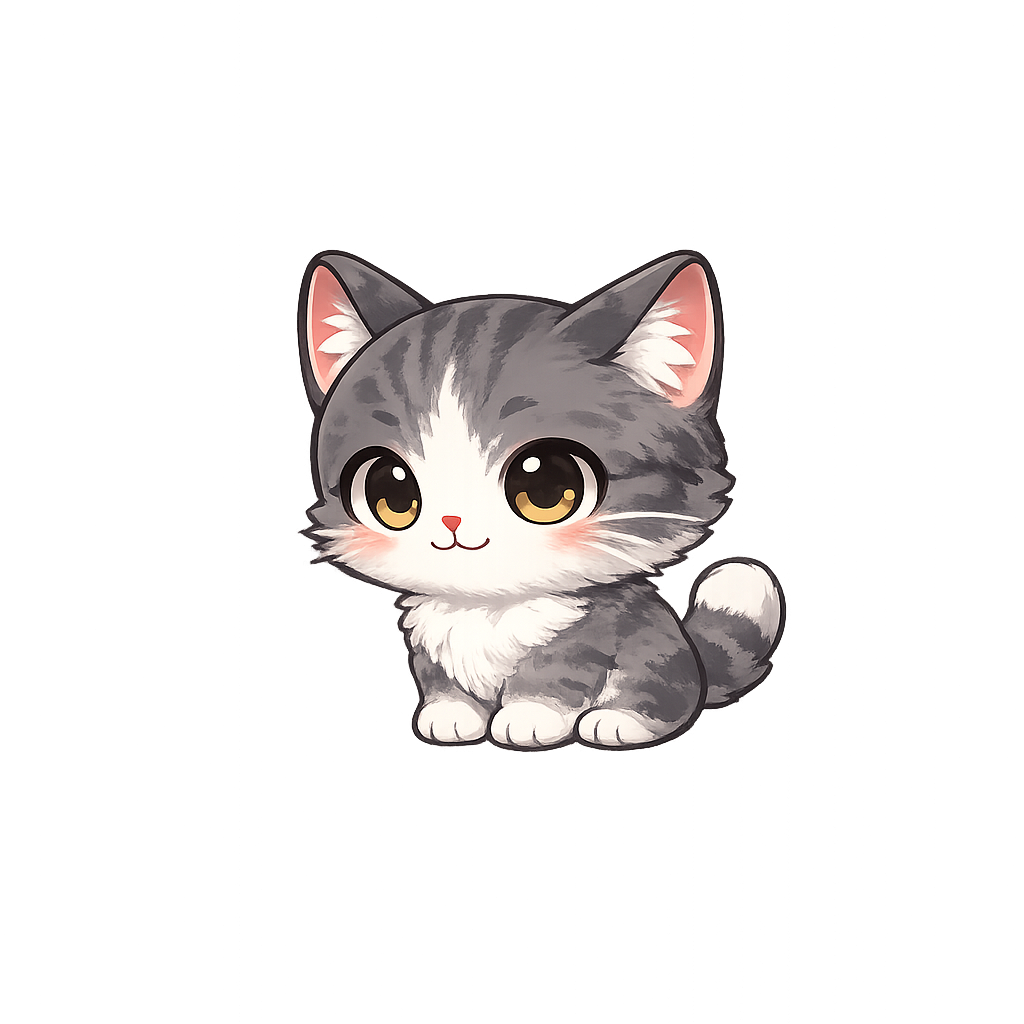
Choose a viewer event to preview an animation.
What are animated stream alerts?
Animated stream alerts are visual reactions that play when viewers interact with your stream. StreamRio makes those alerts character-first: an animated pet or mascot stays in your scene, idles between events, and reacts when Twitch or TikTok LIVE events happen.
Animated mascot alerts vs traditional stream alerts
Traditional alerts are great for one-off notifications. StreamRio is strongest when you want a persistent mascot that becomes part of the stream identity.
| Category | StreamRio animated mascot alerts | Traditional alert widgets |
|---|---|---|
| Visual style | Animated pets, cat mascots, anime characters, robots, and fantasy sidekicks | Text, image, sound, or short popup animations |
| Between events | Character can stay visible with idle motion | Usually disappears until the next event |
| Event mapping | Different reactions for follows, subs, raids, Bits, gifts, chat, likes, and shares | Depends on the alert tool and widget setup |
| OBS setup | Transparent Browser Source URL | Usually Browser Source or platform widget |
| Best for | Creators who want a recognizable on-stream sidekick | Creators who need straightforward notifications |
A character that stays in the scene
Use idle motion between events, then play a stronger reaction when a viewer creates a moment worth celebrating.
Twitch and TikTok LIVE event mapping
Map Twitch follows, subs, raids, Bits, channel rewards, and TikTok gifts, likes, shares, chat, and joins to different reactions.
Transparent OBS Browser Source
Paste one overlay URL into OBS, Streamlabs, TikTok LIVE Studio, or another tool that supports browser sources.
From viewer event to mascot reaction
StreamRio is built around browser-source overlays, so the same setup works in OBS, Streamlabs, TikTok Live Studio, and other tools that can load a web source.
Choose a mascot
Pick a pet, cat, anime character, robot, or fantasy sidekick that fits your creator identity.
Create alert tiers
Use low-energy reactions for follows and chat, warmer reactions for support, and big animations for raids or high-value gifts.
Add the Browser Source
Paste the transparent overlay URL into OBS or Streamlabs and place the mascot near chat, alerts, or a bottom corner.
Questions streamers ask
Can StreamRio replace my existing stream alerts?
StreamRio can replace some alert moments, but it can also run beside existing alert tools as a character-focused reaction layer.
Do animated StreamRio alerts work in OBS?
Yes. StreamRio runs as a transparent Browser Source URL, so it works in OBS and similar live streaming tools.
Can I use different animations for different events?
Yes. Trigger rules let you map different Twitch and TikTok LIVE events to different mascot reactions.
Related StreamRio setup pages
Virtual pet overlay
Learn how always-on pet overlays differ from one-off alerts.
Twitch alert overlay template
Start from a Twitch alert mapping template.
TikTok LIVE gift overlay template
Plan gift tiers and animated TikTok reactions.
Streamlabs Sidekick alternative
Compare AI stream assistance with animated alerts driven by audience events.