Create a Custom Stream Character
Bring a photo or an original drawing. Create a character that feels like you, then give it Reactions for the moments your viewers create.
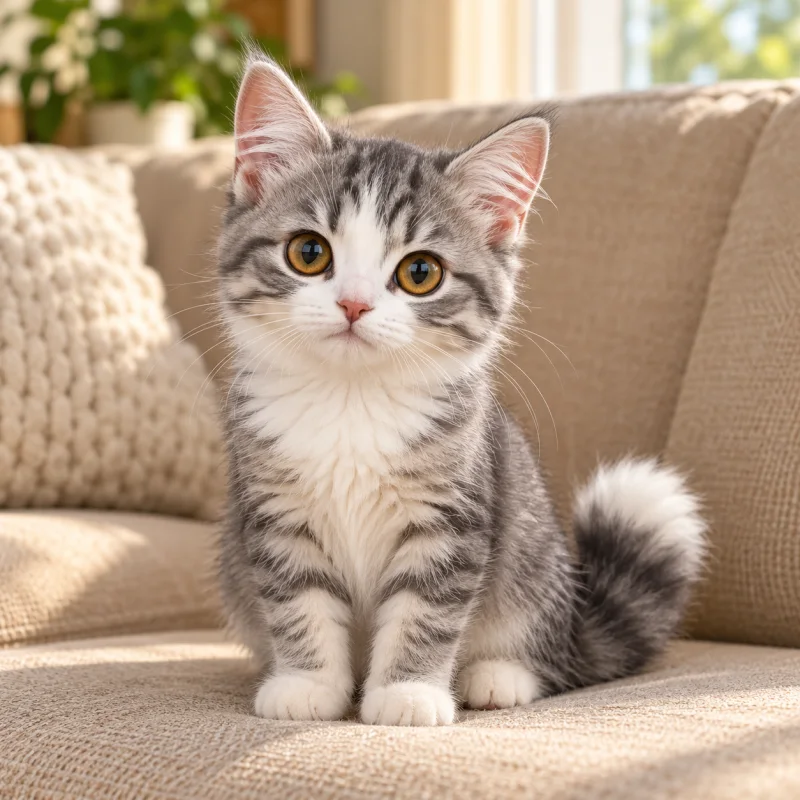
Illustrative AI-made references paired with public demo characters, not customer uploads or a before-and-after generation record. Your results will vary.
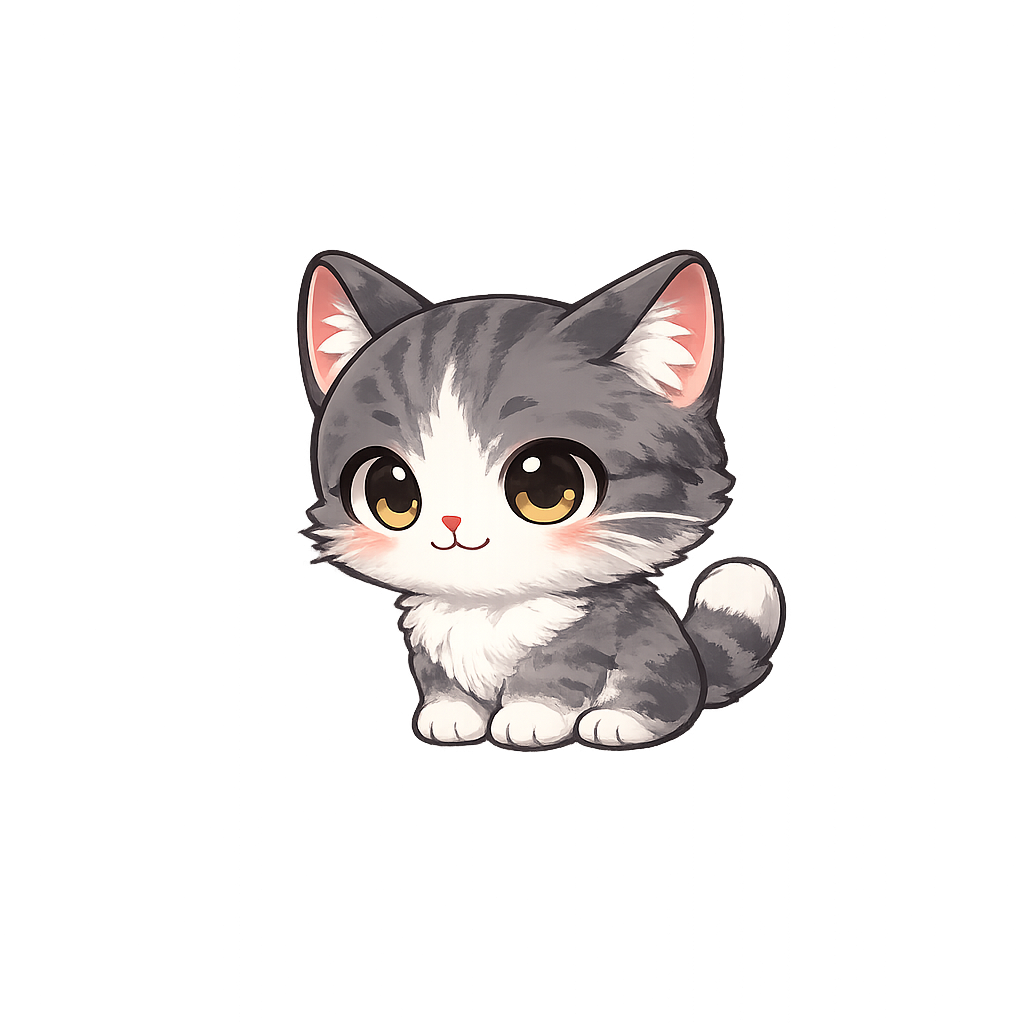
Try a seasonal look
Try creating with experience credits. Ultra is required for custom characters to react to live events.
How it works
From a character idea to a live Reaction
You decide when the character looks right before spending credits on animation. The same character image is used to guide each Reaction, so you can build a collection one video at a time.
Describe your character
Give your character a name, write what it should look like, and optionally upload reference images. Pick a visual style before generating a character image. You can try another image if the first one is not right.
Make it move
Choose a preset Reaction such as Idle, Cheer, Heart, or Dance, or describe a custom movement. Each video uses your chosen character image and can run from 5 to 15 seconds.
Preview, then go live
Watch your Reactions and run Test Reactions in Overlay Preview. When you are happy with the result, Ultra lets you use your character in the live Overlay and connect it to viewer-event rules.
Choose the style that feels like you
These are a few possibilities, not a limit. Describe your own style or use reference images when creating your character.


Make each moment yours
More than a single animated alert
Give your stream a familiar face that can idle between moments, celebrate a follow, react to a gift, or welcome a new viewer. Start with a preset movement and add details, or write your own Reaction prompt for a specific gesture. You can generate only the movements you need, then add more later.
Your created characters are available in your account rather than listed in the public character library. In the dashboard, map each completed Reaction to the live events you choose. A Reaction can be previewed before it is used in a live Overlay.
Credits and live access
Generating a character image or a Reaction spends generation credits. Each new attempt is charged separately; longer videos use more credits. You see the cost before starting a generation.
Free and Pro accounts can create and preview custom characters when they have credits and access. Using a custom character for real Twitch or TikTok LIVE events requires Ultra. Pro remains an option if you want to stream with a public-library character.
AI results can vary, including the exact movement and edges of a video. Review the image and each Reaction in the preview before deciding whether to use it live.
Custom stream character vs PNGTuber vs Vtuber: what's the difference?
A StreamRio character reacts to viewer events. A PNGTuber usually changes images when you speak. A tracked VTuber avatar follows your expressions. The right format depends on whether you want a sidekick for the audience or an avatar that represents you on camera.
| Custom stream character | PNGTuber avatar | VTuber avatar |
|---|---|---|
| A StreamRio mascot plays generated clips when viewers follow, subscribe, or send gifts. | A PNGTuber avatar typically switches between quiet and talking images in response to your microphone. | A tracked VTuber avatar can follow facial expressions and head movement in real time. |
| Start from a photo, sketch, or description. No model rig or face tracking is needed. | Use a PNGTuber maker or editor to prepare separate mouth states. Some tools also support animated images. | If you want to make your own VTuber, a tracked setup typically needs a rigged 2D or 3D model and compatible tracking software. |
| Choose it for a pet or sidekick that reacts to your audience without mirroring you. | Choose it for a simple on-screen stand-in that speaks when you do. | Choose it when the avatar is your main on-stream persona and needs to perform with you. |
See veadotube mini’s image states and VTube Studio’s Live2D tracking documentation for examples. StreamRio makes event-triggered mascots, not microphone- or face-tracked avatars.
Can you stream with your own character on Twitch and TikTok LIVE?
Yes. StreamRio lets you create, preview, and configure your character in a web browser. You don’t need to install a separate StreamRio app or plugin. If you broadcast with OBS, paste your StreamRio Overlay URL into an OBS Browser Source to show the character in your scene.
To react to real events on Twitch or TikTok LIVE, connect the platform in StreamRio, assign a Reaction to a supported event, and use Ultra for your custom character. For example, set Dance for a Twitch subscription or Heart for a TikTok LIVE gift. Preview a sample event before going live.
Ready to bring your own character to the stream?
Name your character, choose a style, and start with one image. You can build its Reactions at your own pace.
Create your character