
A virtual pet overlay that reacts to your stream
Add an animated virtual pet or sidekick to Twitch and TikTok LIVE. Trigger character reactions from follows, subscriptions, raids, Bits, gifts, likes, chat, and more in OBS, Streamlabs, and TikTok LIVE Studio.
Make your own character come alive on stream
Turn your pet, a selfie, a sketch, or a favorite thing into an animated sidekick. Try a follow, subscription, or gift to see how your character could react on stream.Turn a pet, selfie, sketch, or favorite thing into a character that reacts on stream.
What would you bring to life?
Let your pet greet the chat
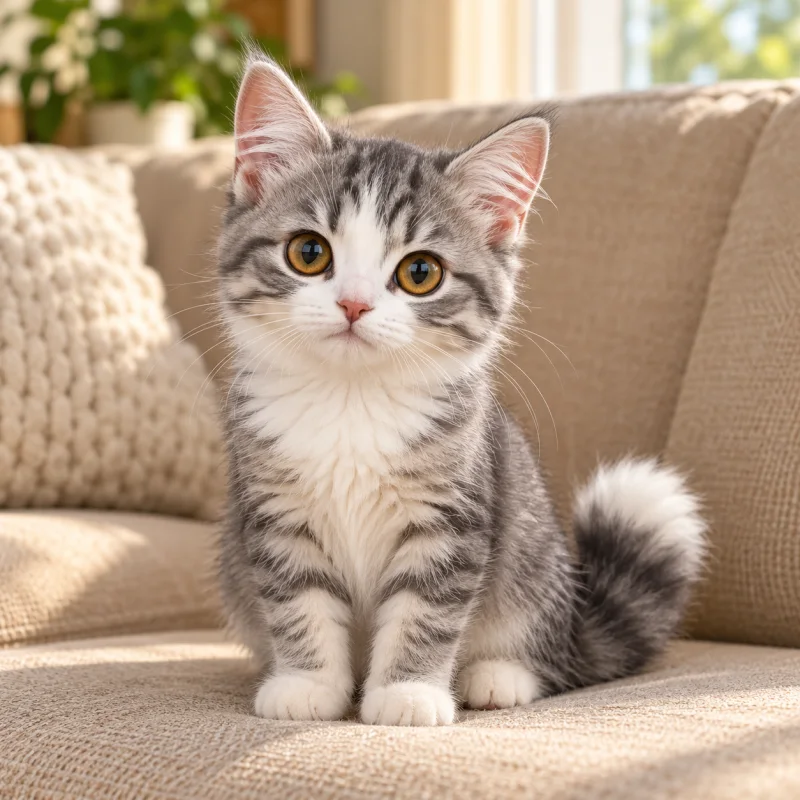




Choose a viewer event to preview an animation.
Choose a virtual pet that fits your stream
Browse animated pets, mascots, and characters, preview their reactions, and add one directly to your stream overlay.



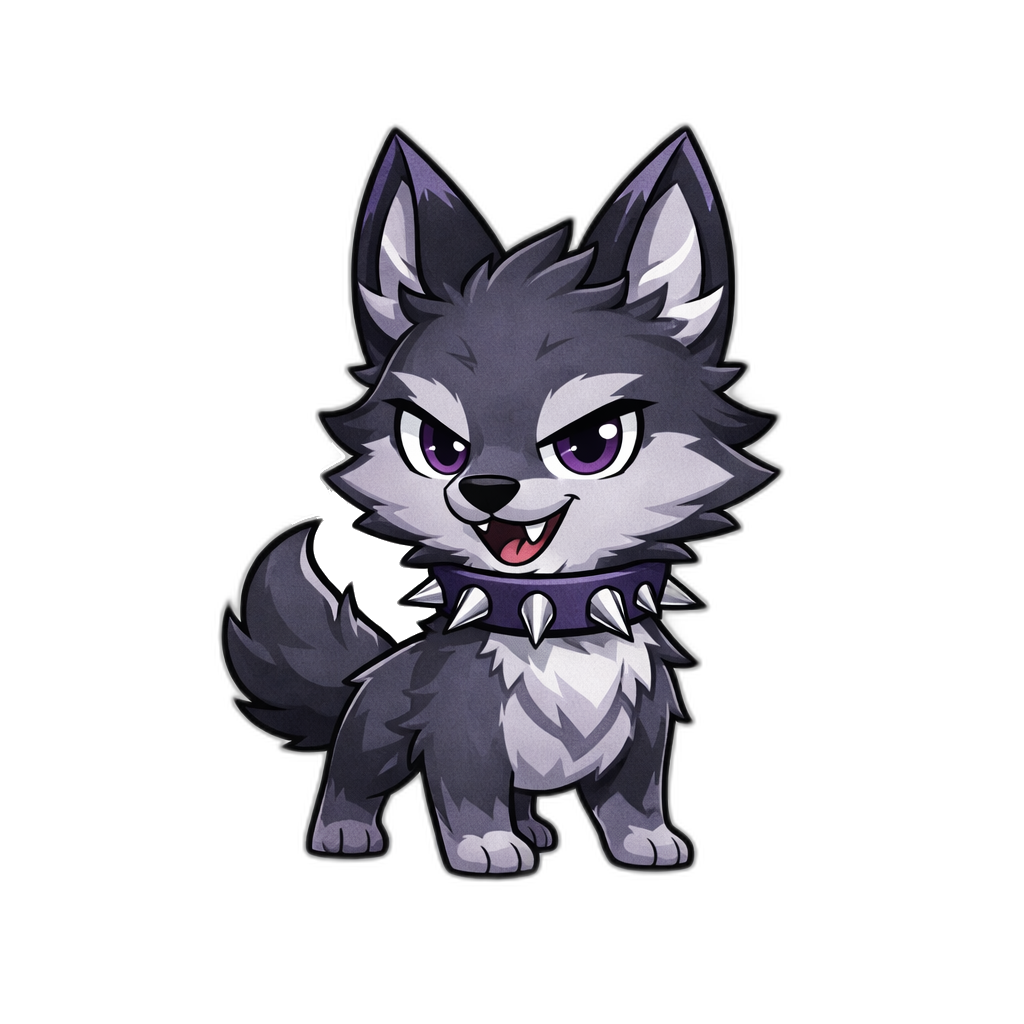


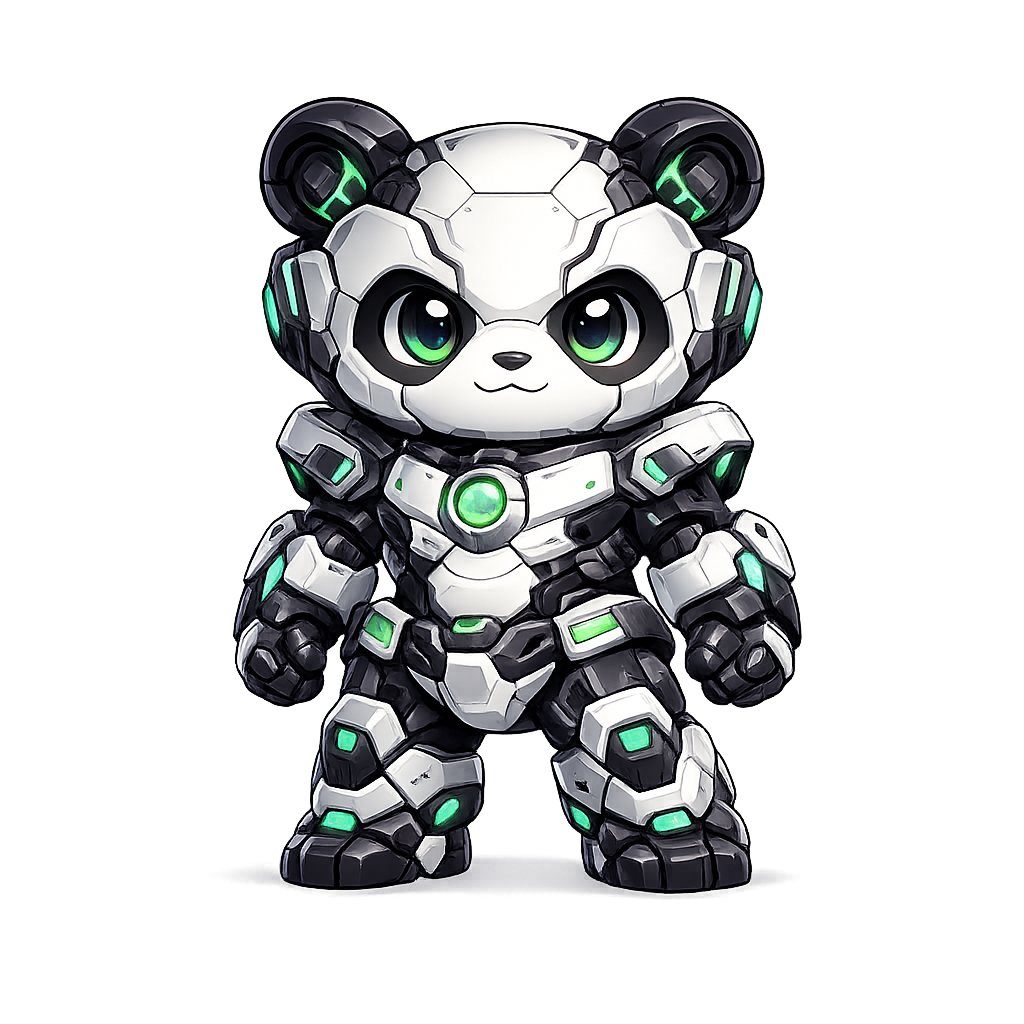





Nothing feels quite right? Create your own character
Describe your character, add reference images, choose a style, and generate the Reactions you need. Preview everything before taking it live.
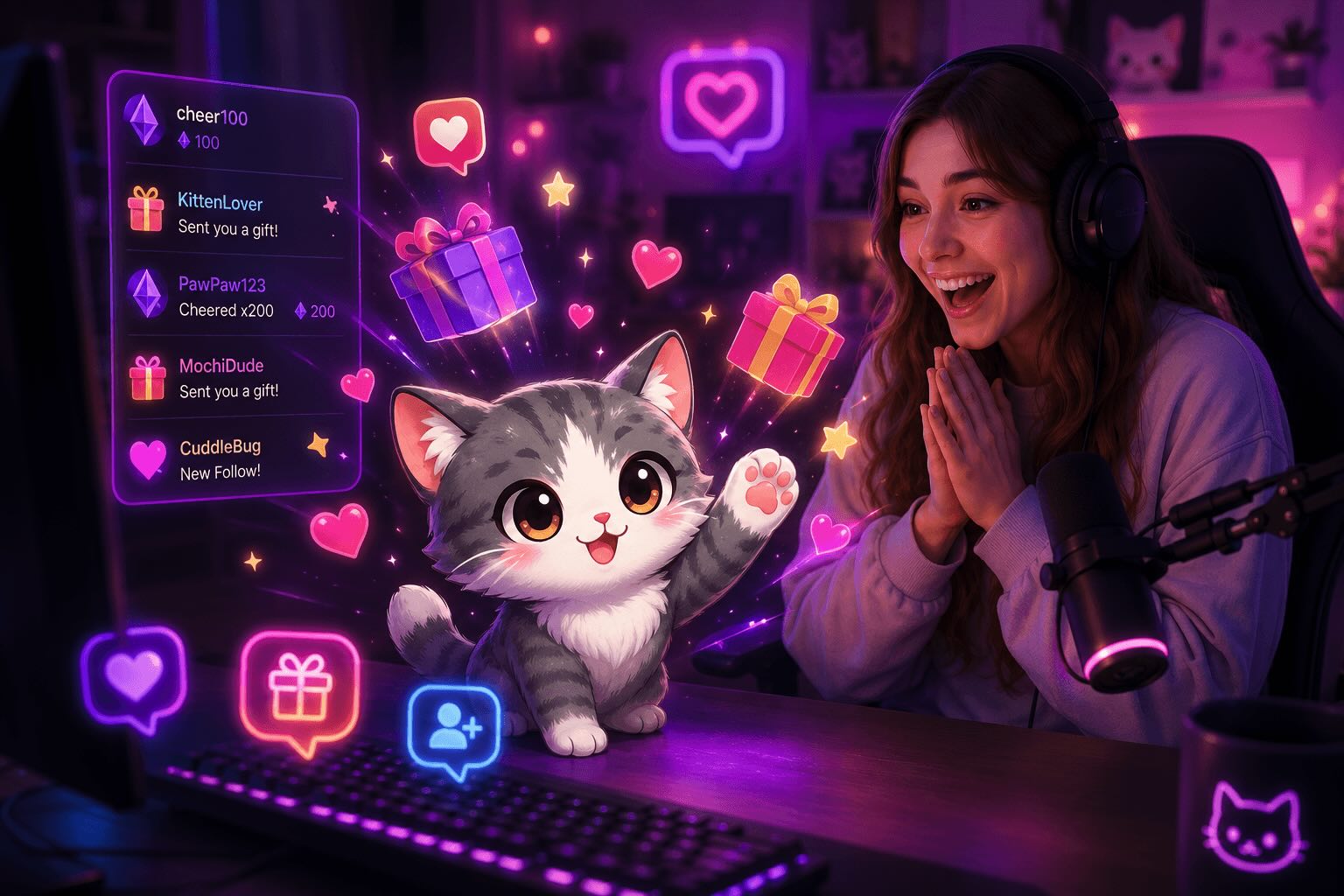
More personality for your stream. More recognition for your viewers.
A reactive virtual pet turns everyday viewer activity into visible, memorable moments across your live stream.


Set up StreamRio in minutes
Get from sign-in to a working live overlay with a short setup flow:
Frequently asked questions
These are the questions most streamers need answered before trying StreamRio.
Does StreamRio work well on Safari and Apple devices?
Yes. StreamRio is built so your character reactions play reliably across Safari, iPhone, iPad, and other mainstream viewing environments.
Can I test the dashboard without paying?
Yes. Free accounts can browse characters, create rules, and use the Test Lab to preview reactions before upgrading.
What happens after I upgrade?
Pro enables live Twitch and TikTok LIVE reactions with public characters. Ultra also lets you use a custom character in your live Overlay. Free accounts can still configure an Overlay and send Test Reactions.
Can I create my own stream character?
Yes. Describe a character, optionally upload reference images, choose a style, and generate its image and Reactions with credits. You can preview it with Test Reactions; using a custom character for live events requires Ultra. Access may be limited during testing.
Start with the platform you stream on
Choose Twitch, TikTok LIVE, or OBS to see how the same interactive virtual pet reactions fit into your live setup.
TikTok LIVE overlay
Explore gifts, follows, likes, shares, chat, joins, and every TikTok setup path.
TikTok LIVE gift overlay
Turn TikTok gifts, follows, likes, shares, and chat into animated virtual pet reactions.
Twitch overlay and animated alerts
Turn follows, subscriptions, raids, Bits, and channel moments into character animations.
OBS browser source overlay
Add a transparent animated pet overlay to OBS, Streamlabs, or TikTok LIVE Studio.
Need calculators, comparisons, or deeper setup notes?
These pages are useful before setup, but they are not platform choices. Use them to check gift values, Bits tiers, competitor workflows, and virtual pet overlay details.
Create a custom stream character
See how to generate a character image and Reactions, preview them, and use them live.
Free streaming tools
Open TikTok gift, Twitch Bits, and overlay planning tools.
Stream overlay templates
Browse OBS, TikTok LIVE gift, and Twitch alert overlay templates.
Stream overlay planner
Choose a platform and get source size, placement, and reaction tier suggestions.
Virtual pet overlay guide
Learn how an animated virtual pet works across Twitch, TikTok LIVE, and OBS.
Stream pets
Start here for animated stream pets, Twitch pets, and TikTok LIVE stream pet setups.
Bongo Cat alternative
Start here if you want a cute cat stream pet like Bongo Cat, but with live event reactions.
Streamlabs Sidekick alternative
Compare an AI streaming assistant with an animated pet overlay driven by viewer events.
Input overlay vs event overlay
Understand keyboard, mouse, and gamepad input overlays versus StreamRio viewer-event reactions.
TikTok gift calculator
Estimate TikTok gift coins, USD, Rupiah, and creator earnings.
Twitch Bits calculator
Convert Twitch Bits to streamer earnings and plan animated Cheer reactions.
TikFinity / BetterTok workflows
Learn how StreamRio fits beside existing TikTok LIVE tools.
TikTok gift prices
Compare Galaxy, Universe, Lion, Whale, and other gift values.