
Turn TikTok LIVE gifts into animated reactions
StreamRio is a TikTok gift reaction overlay: gifts like Rose, Galaxy, or custom gift moments can trigger different animated virtual pet reactions directly inside your live stream.
Build and preview for free. Pro unlocks production TikTok LIVE events.
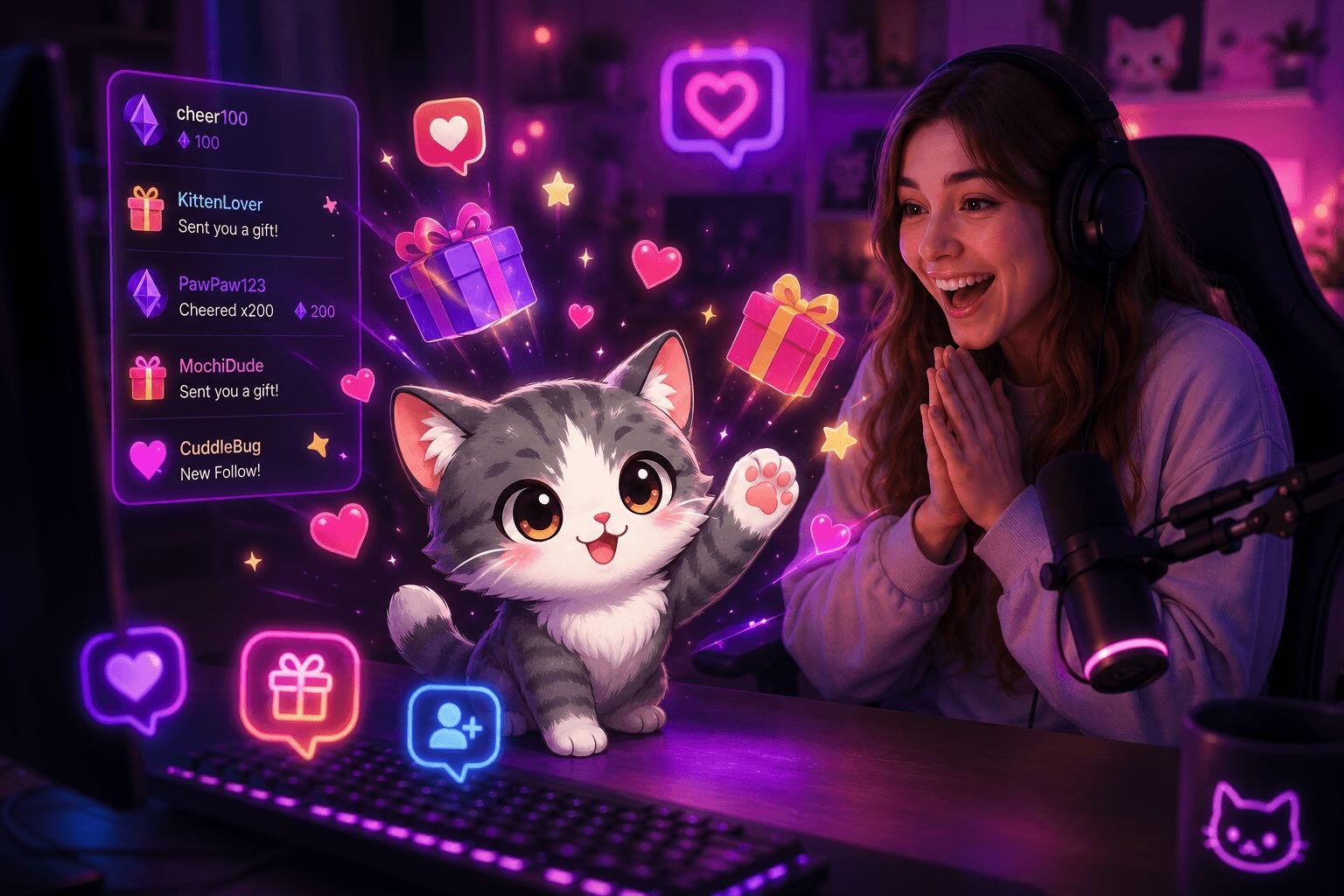
Live reaction
@starsavant sent a Galaxy
Click an event to preview the reaction
Try your TikTok LIVE sidekick before you go live
Choose a character, then trigger a viewer event. See the reaction inside a live scene—no account required.
Choose a viewer event to preview an animation.
React to the TikTok LIVE moments that matter
Map each TikTok gift to the right overlay reaction
A TikTok gift reaction overlay should make small gifts feel appreciated and premium gifts feel special. Use different StreamRio reactions for different gift types, values, or stream campaigns.
| Gift type | Reaction idea | Best use case |
|---|---|---|
| Rose or everyday gifts | Heart, thank-you, clap, or small celebration animation | Acknowledge frequent gifts without interrupting the LIVE |
| Galaxy or premium gifts | Dance, cheer, goal celebration, or bigger character moment | Make high-value gift moments feel visibly special |
| Multiple gifts or gift streaks | Escalating reaction, combo message, or repeated celebration | Reward active supporters and encourage continued engagement |
| Custom campaign gift | A themed animation or message tied to a stream goal | Match seasonal events, challenges, or creator-specific moments |
Check gift values before choosing reaction tiers
If your overlay uses bigger animations for higher-value gifts, use these TikTok gift tools to estimate coins, prices, creator earnings, and common gift tiers before you map reactions.
TikTok gift calculator
Estimate coins, USD, Rupiah, and creator earnings for a TikTok gift.
TikTok gift prices list
Compare gifts like Rose, Galaxy, Universe, Lion, and Whale/Paus.
Most expensive TikTok gifts
See which premium gifts deserve larger on-stream reactions.
TikTok LIVE overlay guide
Plan gifts, follows, likes, chat, shares, and viewer join reactions.
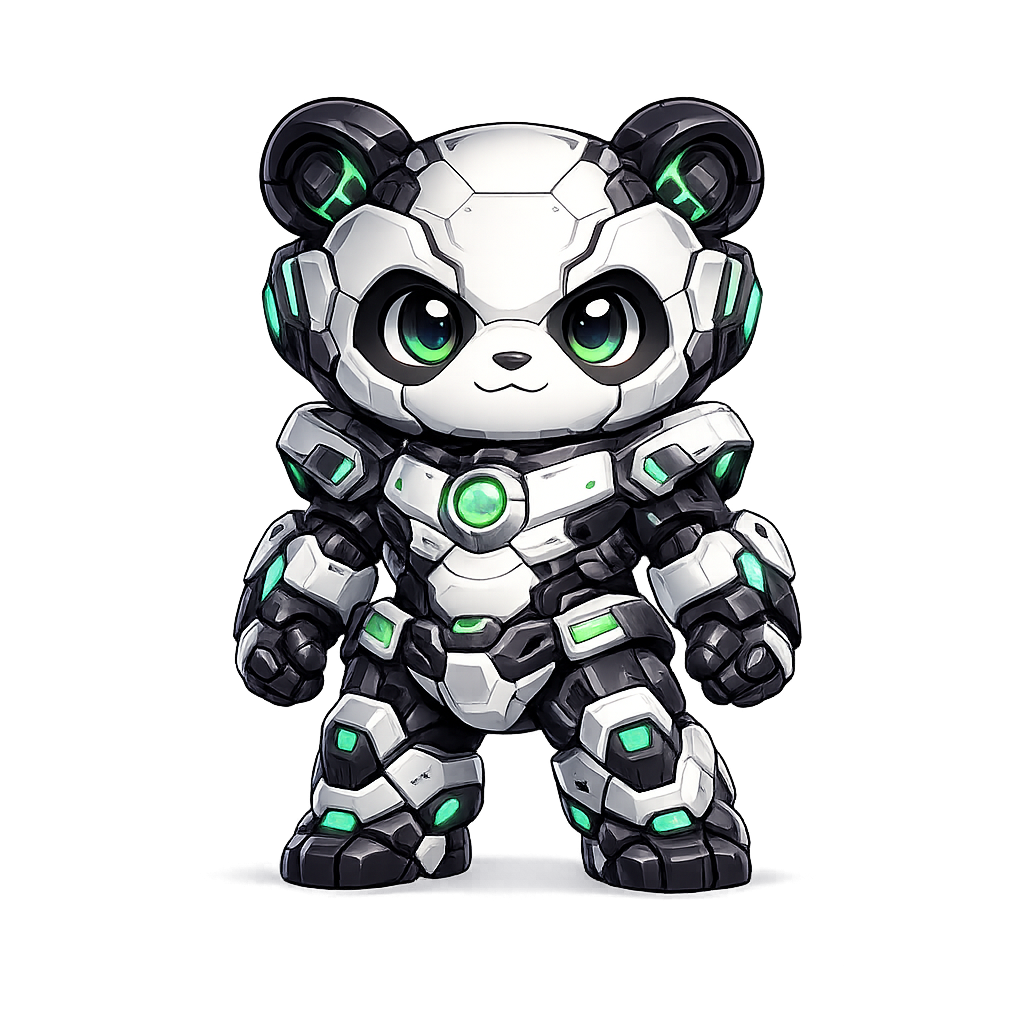
Pick a virtual pet that fits your LIVE
Start with a ready-to-use character, then choose which reaction should play for each TikTok gift or viewer event.







From zero to a live gift overlay in three steps
Choose your character
Pick an animated pet or mascot and preview its idle, celebration, dance, heart, and other reactions.
Map gifts and events
Connect TikTok LIVE and choose what happens for gifts, follows, likes, shares, chat, and viewer joins.
Add one overlay URL
Paste your private Browser Source URL into TikTok LIVE Studio, OBS, or Streamlabs and position the pet in your scene.
Add StreamRio as a Link source
Copy your private overlay URL from the StreamRio dashboard, add a Link source in TikTok LIVE Studio, and keep the background transparent.
Create your overlay URL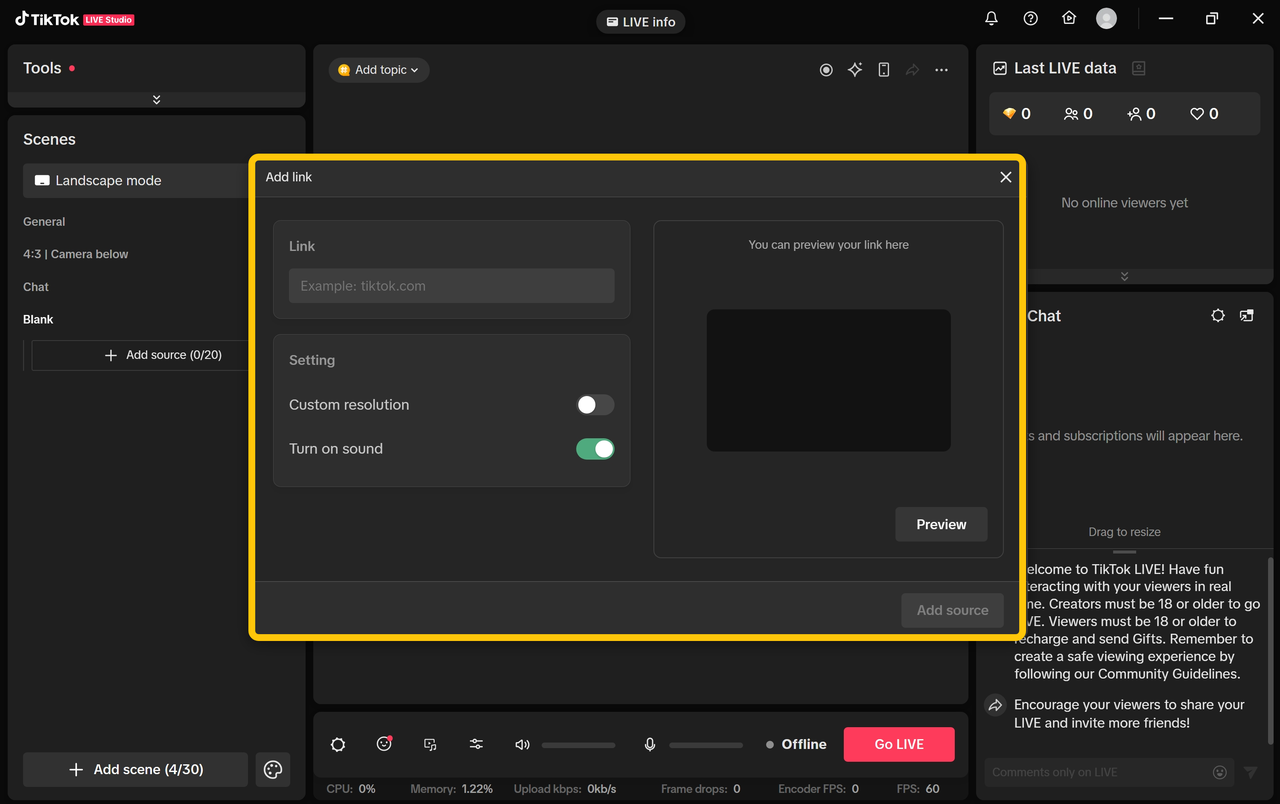
TikTok LIVE overlay FAQ
The practical details creators usually want before adding StreamRio to a live scene. For every supported event and production option, see the TikTok LIVE overlay guide.
What is a TikTok gift reaction overlay?
A TikTok gift reaction overlay is a live-stream overlay where TikTok LIVE gifts trigger visual reactions. StreamRio uses animated virtual pets, so gifts can trigger hearts, dances, cheers, celebration animations, and on-screen messages.
Can TikTok LIVE gifts trigger different animations?
Yes. You can map different gifts or gift values to different character reactions, including larger animations for premium gift moments.
Does this work in TikTok LIVE Studio and OBS?
Yes. StreamRio gives you a private transparent Browser Source URL that works in TikTok LIVE Studio, OBS, Streamlabs, and similar streaming software.
Can I preview the overlay before going live?
Yes. The dashboard includes a live scene preview and test controls for every reaction rule, so you can check the character, animation, and message first.
Do I need to make or animate my own character?
No. You can start with StreamRio's public library of animated pets, mascots, chibi characters, robots, and fantasy characters.
Plan your TikTok gift overlay before going live
TikTok LIVE gift overlay template
Start from small, medium, and legendary gift reaction tiers.
Stream overlay planner
Choose platform, placement, source size, and reaction tiers.
TikTok gift calculator
Estimate gift coin values before assigning animations.
Gift reaction overlay architecture
Understand event intake, trigger rules, animation state, and browser-source rendering.
TikTok LIVE Studio setup guide
Add StreamRio or another web overlay as a TikTok LIVE Studio Link source.
Your next LIVE can have a sidekick
Build your TikTok LIVE gift overlay for free
Choose a character, test the reactions, and see how it looks before you connect production TikTok LIVE events.