
Add an animated virtual pet overlay to OBS
Use one transparent browser-source URL for a virtual pet that reacts to Twitch and TikTok LIVE events inside OBS, Streamlabs, TikTok Live Studio, and similar tools.
Try your sidekick before you go live
Choose a character and streaming platform, then trigger a viewer event. See the animation inside a live scene—no account required.
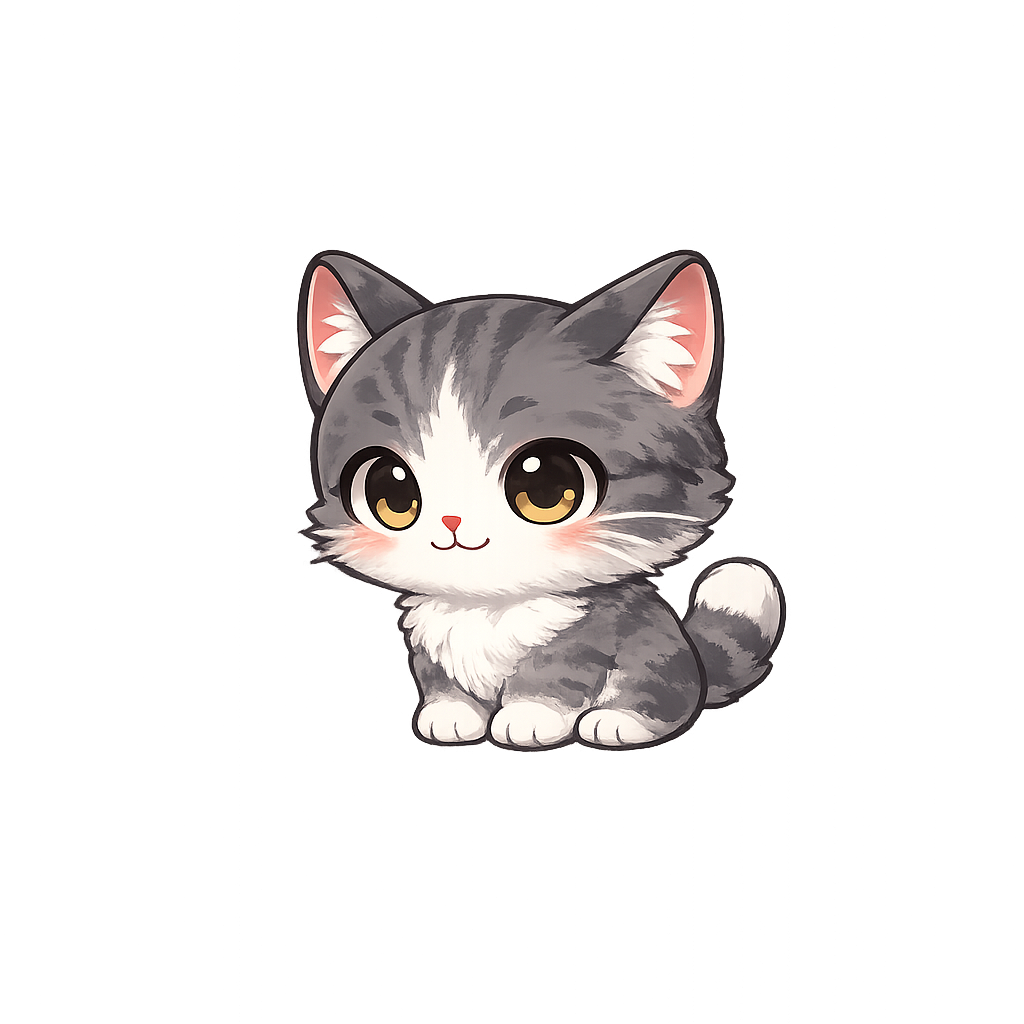
Choose a viewer event to preview an animation.
Is StreamRio an OBS Browser Source overlay?
Yes. StreamRio is an animated virtual pet overlay that runs in OBS Studio through a standard Browser Source URL. You do not need to install an OBS plugin or download local software. Create a mascot overlay, copy the private StreamRio URL, paste it into an OBS Browser Source, use a 4:5 source size such as 720 × 900, and position the transparent character in your scene.
OBS Browser Source settings for StreamRio
Use these settings as a starting point, then resize and crop the source visually inside OBS to fit your stream layout.
| Setting | Recommended value | Why it matters |
|---|---|---|
| Source type | Browser Source | StreamRio is a web overlay URL, so no OBS plugin is required. |
| Canvas ratio | 4:5 | A portrait ratio leaves space for the mascot, reactions, and speech bubble. |
| Starting size | 720 × 900 or 800 × 1000 | Both sizes preserve the 4:5 ratio and work well for corner placement. |
| Background | Transparent | The character should sit over gameplay, camera, chat, or alerts without a box. |
| Placement | Bottom corner or beside chat/alerts | Keeps the mascot visible without covering the main stream content. |
One URL for your stream scene
Copy the StreamRio overlay URL into OBS as a browser source and position the mascot wherever it fits your layout.
Transparent animated characters
Use browser-ready transparent video reactions so the mascot can sit naturally over gameplay, camera, or chat scenes.
Works with Twitch and TikTok LIVE
Connect platform events to rules, then let viewer actions drive the animations while your OBS scene stays simple.
From viewer event to mascot reaction
StreamRio is built around browser-source overlays, so the same setup works in OBS, Streamlabs, TikTok Live Studio, and other tools that can load a web source.
Create your StreamRio overlay
Choose a mascot and confirm the idle and reaction animations you want available.
Copy the browser-source URL
Open the dashboard and copy the overlay URL generated for your StreamRio scene.
Add a Browser Source in OBS
Paste the URL into OBS, set the source size, and keep the background transparent.
Test reactions before going live
Use Test Reaction to confirm the mascot, text bubble, and event rules display correctly in your OBS preview.
Questions streamers ask
Is StreamRio an OBS browser source?
Yes. StreamRio overlays are browser-source URLs, which makes them compatible with OBS, Streamlabs, TikTok Live Studio, and other tools that can load a web source. No OBS plugin is required.
What OBS Browser Source size should I use?
Start with a 4:5 Browser Source size such as 720 × 900 or 800 × 1000, then resize the source inside OBS so the virtual pet does not cover gameplay, camera, chat, or alerts.
Does the mascot overlay have a transparent background?
Yes. StreamRio uses transparent character video assets so the mascot can appear over your existing scene without a boxed background.
Can the OBS overlay react to both Twitch and TikTok LIVE?
Yes. StreamRio supports Twitch and TikTok LIVE trigger rules, so the same browser-source style can respond to events from either platform.
Related StreamRio setup pages
Virtual pet overlay guide
Learn how an always-on animated pet differs from a traditional stream alert.
Twitch animated mascot overlay
Connect Twitch events to animated mascot reactions.
TikTok LIVE gift overlay
Connect TikTok gifts and engagement to overlay reactions.
OBS Browser Source size calculator
Calculate 4:5 source dimensions such as 720 × 900 or 800 × 1000.
OBS overlay template
Start from a 4:5 transparent Browser Source template for stream pets.
Stream overlay planner
Choose platform, placement, source size, and reaction tiers before setup.
Bongo Cat-style OBS pet overlay
Compare StreamRio with the Bongo Cat-style stream pet idea for cute OBS cat mascots.
Streamlabs Sidekick alternative
Compare an AI production assistant with a viewer-triggered character Browser Source.
Input overlay vs event overlay
Understand when to use keyboard, mouse, or gamepad input visualization and when to use StreamRio event reactions.
OBS setup guide
Follow the detailed StreamRio OBS setup walkthrough.