
Kick stream overlay
See what it looks like when a new follow, subscription, or chat message makes an animated sidekick react on your Kick stream.
Simulated events · No account or Kick connection needed
See how your sidekick reacts
Pick a public-library character and play a sample Kick follow, subscription, or chat event in the preview.
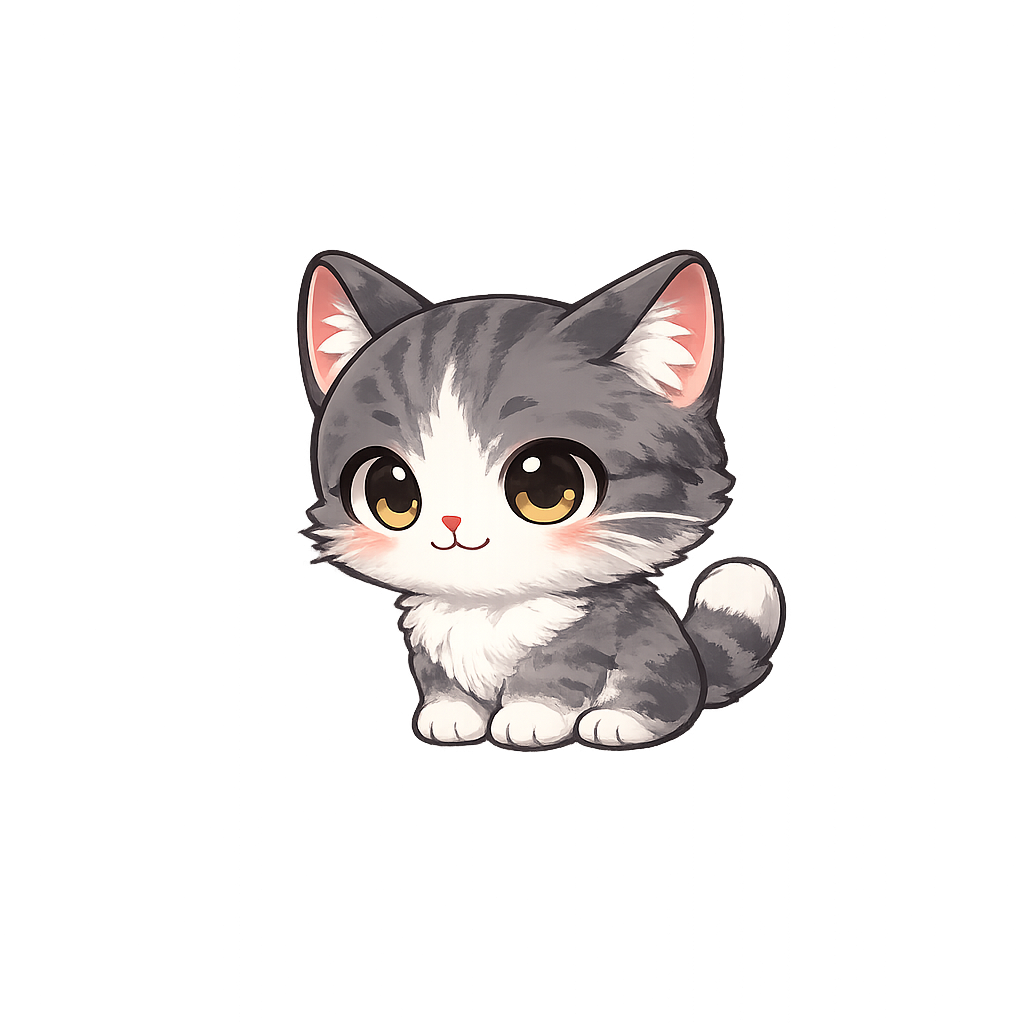
Choose a viewer event to preview an animation.
How to set up your overlay in OBS
OBS loads a StreamRio overlay as a Browser Source. You can set it up and test it before connecting live events.
Read the full OBS overlay guideChoose a sidekick and preview its reactions
Start with a character from the public library. Try a follow, a subscription, and a chat message in the preview to see how each action looks in a stream scene.
Copy your StreamRio Browser Source URL
In the StreamRio Dashboard, choose an overlay and copy its private Browser Source URL. Use that URL for OBS, not the URL of this demo page.
Add a Browser source in OBS
In OBS, select your scene, then go to Sources → + → Browser. Leave Local file off, paste your URL, and set the source width and height to match your OBS base canvas. Place the Browser source above your gameplay or camera layer.
Test before going live
Use Test Reactions in StreamRio and check the result in OBS. Manage your Kick connection and live event rules in the Dashboard. Live events require Pro for public characters or Ultra for custom characters; this demo only simulates events.
Kick overlay questions
- Does the demo use real Kick events?
- No. Each button plays a simulated event in the browser without signing in or taking any action on a Kick channel.
- Do I need to animate my own character?
- No. Start with a ready-to-use character from the public character library.