
How to use StreamRio with BetterTok
BetterTok-style TikTok LIVE setups often include overlays, automation, TTS, gift tools, or creator utilities. StreamRio can add a separate animated virtual pet layer so your stream has a recognizable character that reacts to audience moments.
Try your sidekick before you go live
Choose a character and streaming platform, then trigger a viewer event. See the animation inside a live scene—no account required.
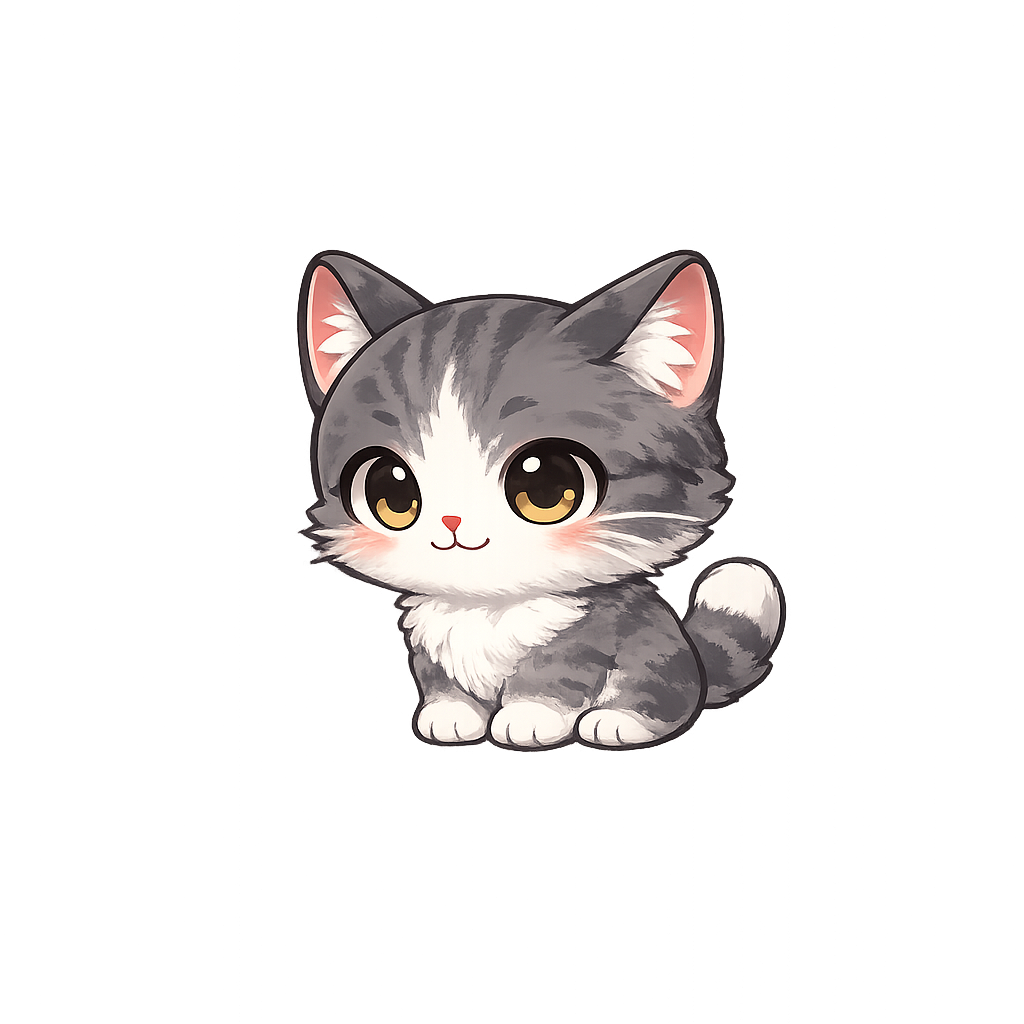
Choose a viewer event to preview an animation.
Add personality to utility-heavy scenes
BetterTok-style setups can be powerful but busy. StreamRio gives the scene a single animated character viewers can recognize between alerts.
Use one StreamRio overlay URL
Create your character, copy the private StreamRio overlay URL, then add it as a Browser Source or Link source beside BetterTok widgets.
Map reactions to real stream moments
Use different character animations for gifts, follows, likes, shares, chat, joins, and hype moments.
From viewer event to mascot reaction
StreamRio is built around browser-source overlays, so the same setup works in OBS, Streamlabs, TikTok Live Studio, and other tools that can load a web source.
Build your BetterTok scene
Set up the BetterTok widgets, tools, or automation you want to keep in your TikTok LIVE workflow.
Pick a StreamRio sidekick
Choose a pet, mascot, anime avatar, robot, animal, or fantasy character that matches your stream brand.
Add StreamRio beside BetterTok
Paste your StreamRio URL into OBS, Streamlabs, or TikTok LIVE Studio as another web source, then size it like a companion rather than a full-screen overlay.
Test readability and timing
Preview BetterTok events and StreamRio reactions together. Reduce overlap so viewers can understand the alert and enjoy the character movement.
Questions streamers ask
Can BetterTok and StreamRio be used together?
Yes. Treat them as separate sources in your streaming software. BetterTok can cover utility widgets, and StreamRio can cover animated character reactions.
Why add StreamRio if I already use BetterTok overlays?
Add StreamRio when you want a persistent animated pet or mascot that becomes part of your stream identity, rather than only showing functional widgets.
Does StreamRio need OBS?
No. OBS is a common option, but StreamRio can also work in TikTok LIVE Studio, Streamlabs, PRISM Live Studio, and other tools that support browser or Link sources.
Can StreamRio react to TikTok LIVE gifts?
Yes. StreamRio can turn supported TikTok LIVE gift and engagement moments into animated character reactions.
Is this an official BetterTok integration?
No. This is a creator workflow for layering independent web sources. StreamRio is not affiliated with, endorsed by, or sponsored by BetterTok.