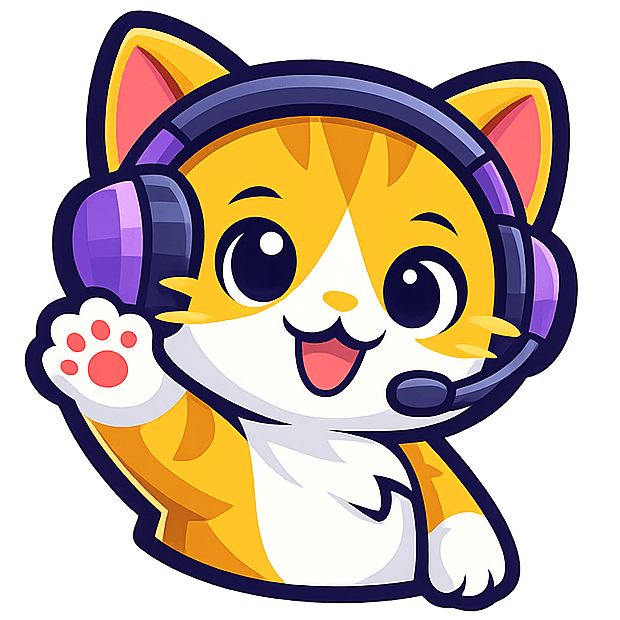
A Bongo Cat alternative for animated stream pets
StreamRio gives creators the cute stream-pet energy people look for with Bongo Cat, but turns it toward live audience reactions: Twitch Bits, follows, subs, raids, TikTok LIVE gifts, likes, shares, chat, and more.
StreamRio is not affiliated with Bongo Cat. Think of this page as a practical path for streamers who searched for a cute cat overlay but also want the mascot to react to viewers, gifts, Bits, and chat.
Live scene idea
Cat pet beside chat
Try your sidekick before you go live
Choose a character and streaming platform, then trigger a viewer event. See the animation inside a live scene—no account required.
Choose a viewer event to preview an animation.
Cat characters for a Bongo Cat-style stream vibe
Start with a cat or kitten mascot, then make different audience events trigger different reactions. Small support can feel cozy; bigger gifts, Bits, raids, or subs can trigger higher-energy animations.
A cozy fluffy kitten mascot made for cute livestream interactions.
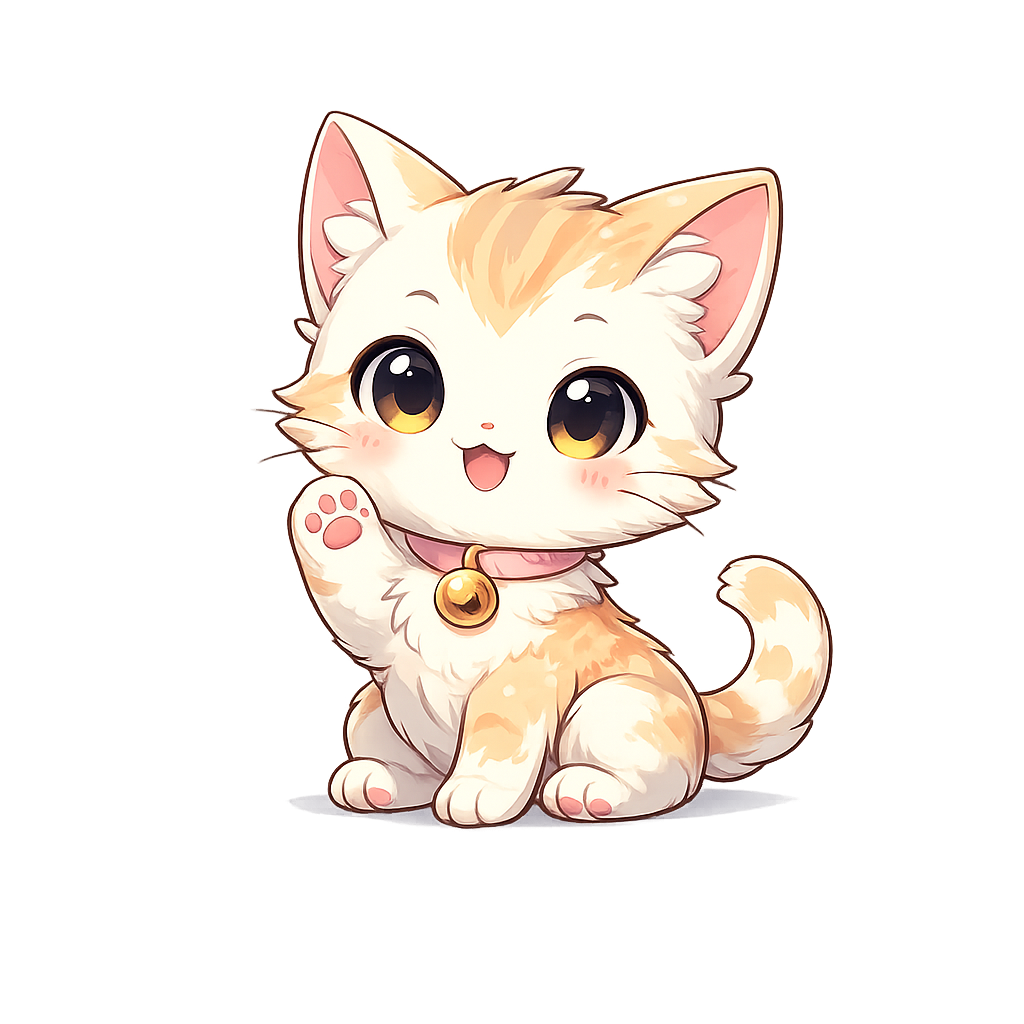
A cozy chibi cat for warm, gift-friendly stream moments.
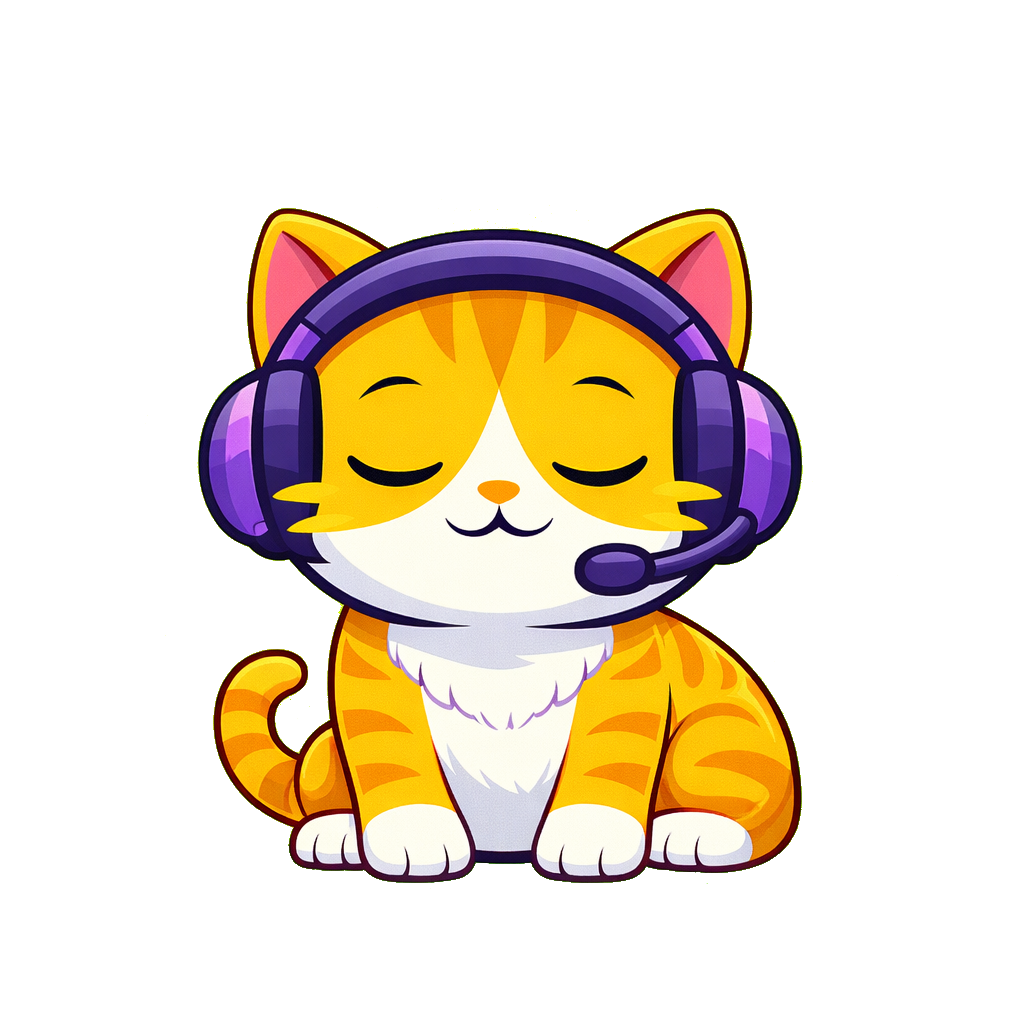
Your friendly streaming companion that brings your chat to life.
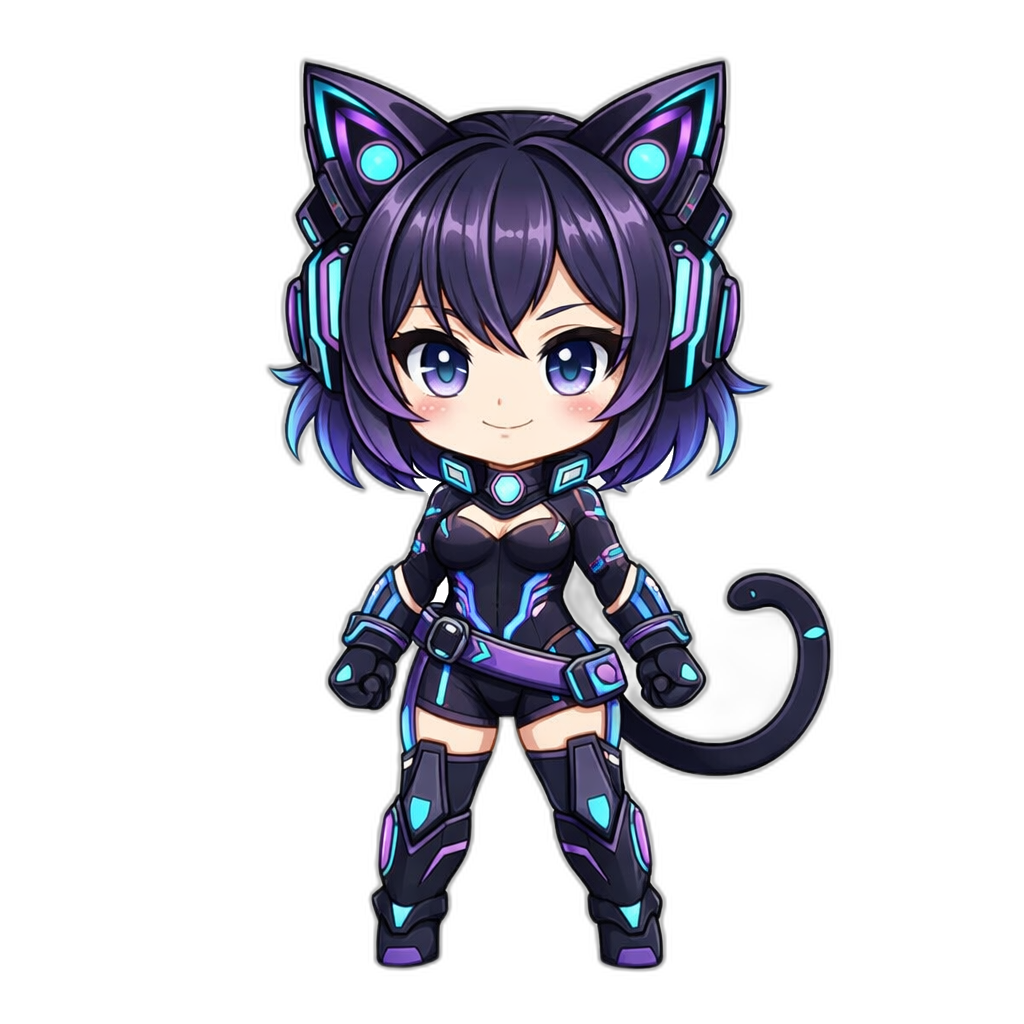
A cyber catgirl avatar for futuristic streamer branding.
What StreamRio adds beyond a classic Bongo Cat input overlay
Bongo Cat is a strong mental model for “cute visible companion on stream.” StreamRio borrows that streamer need, then points it at live engagement instead of keyboard and mouse input.
Built for viewer events
Bongo Cat-style overlays are often searched for keyboard and mouse visualizers. StreamRio is different: it makes the pet react when viewers follow, subscribe, cheer Bits, send TikTok gifts, chat, like, share, or raid.
Works as an OBS Browser Source
Add StreamRio as a transparent browser source, place the pet beside chat or alerts, then keep your main camera and gameplay clean.
More than one cat mood
Choose a cute cat mascot for cozy streams, then map smaller events to claps or hearts and bigger events to dance, cheer, or hype reactions.
Useful beside existing tools
You can keep your current alerts, TTS, Bongo Cat input overlay, TikFinity, BetterTok, or chat widgets, then layer StreamRio as the animated character piece.
Bongo Cat-style overlay vs StreamRio pet overlay
Use this comparison to decide whether you need an input visualizer, a live-event mascot, or both layered together in OBS.
Last updated: 2026-07-08. Competitor-style descriptions are kept intentionally broad because Bongo Cat workflows vary by app, plugin, and creator setup.
Public context sources: Bongobs Cat Plugin on the OBS forum, Bongobs Cat Plugin on GitHub, Streamlabs Bongo Cat overview.
How to use StreamRio as an OBS pet overlay
The workflow is intentionally simple: choose a mascot, map events to reactions, then paste the overlay into your streaming software.
1. Pick a cat mascot
Choose a cat, kitten, or other pet-style character that matches your stream personality.
2. Map live events
Connect Twitch or TikTok LIVE, then map follows, Bits, gifts, chat, subs, raids, likes, and shares to reactions.
3. Add the Browser Source
Paste the StreamRio overlay URL into OBS, resize it with a 4:5 layout, and place it beside chat, alerts, or your camera.
Bongo Cat searches this page can satisfy
This page is aimed at creators who are not only looking for the meme, but for a practical stream overlay they can use in OBS.
Bongo Cat alternative FAQ
Is StreamRio affiliated with Bongo Cat?
No. StreamRio is an independent product and is not affiliated with, endorsed by, or sponsored by Bongo Cat, OBS, or any Bongo Cat plugin.
Is StreamRio a keyboard and mouse input overlay?
No. StreamRio is not designed to capture keyboard or mouse input. It is a virtual pet and animated character overlay that reacts to streaming events such as Twitch Bits, follows, subscriptions, raids, TikTok LIVE gifts, likes, shares, chat, and joins.
Can I use StreamRio with a Bongo Cat overlay?
Yes. Use your Bongo Cat input visualizer for keyboard or mouse activity, then add StreamRio as a separate browser-source pet that reacts to audience moments.
Does StreamRio work in OBS?
Yes. StreamRio overlays are made for OBS Browser Source workflows. You can also use them in Streamlabs, TikTok LIVE Studio, Twitch Studio, PRISM Live Studio, XSplit, and similar tools that support browser or link sources.
Can I choose cat characters?
Yes. StreamRio supports cat and kitten-style mascots, and the character library can expand with more cats, pets, and creator-specific mascots over time.
Continue from Bongo Cat-style search intent
If a creator lands here from a Bongo Cat search, these pages help them move from “cute stream pet” to platform-specific setup.
Virtual pet overlay
Learn the broader virtual pet overlay strategy behind StreamRio characters.
OBS browser source overlay
Set up StreamRio as a transparent OBS Browser Source without an OBS plugin.
Input overlay vs event overlay
Compare keyboard, mouse, and gamepad input overlays with StreamRio viewer-event reactions.
Twitch animated mascot overlay
Map Twitch follows, subscriptions, raids, Bits, and chat moments to mascot reactions.
TikTok LIVE gift overlay
Turn TikTok LIVE gifts, follows, likes, shares, and chat into animated pet reactions.
Make your stream pet react to the audience
If Bongo Cat made you want a cute companion on stream, StreamRio gives that companion a job: thanking viewers, celebrating hype, and making live events visible.