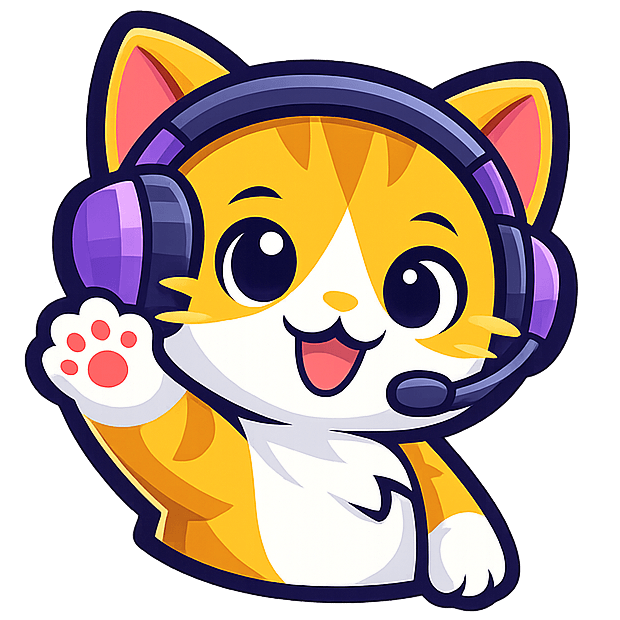
Turn your cat photo into a stream pet
Use a photo of your cat as a reference to create an animated mascot. Add it to OBS as a Browser Source, then choose how it reacts to Twitch follows or TikTok LIVE gifts.
Generation uses credits. Using your custom cat with real live events requires Ultra.

Illustrative pet photo

Milo, a library mascot
See an animated cat reaction
Press play to see Milo’s Dance animation. On your own stream, you could assign a dance like this to a Galaxy gift. The video is a preview, not a live event.
How to make a cat overlay from a photo
- Pick a clear reference. Use a photo you have permission to upload. A well-lit picture that shows the face, ear shape, and fur markings gives you a useful starting point.
- Create a character, then make it move. Choose a style such as chibi or cartoon. Check the generated character image, then generate an Idle or a simple Heart reaction first.
- Test it in your scene. Preview a reaction in StreamRio. In OBS, add the private overlay URL as a Browser Source, then place the cat near a corner or beside chat. See the full OBS setup.
- Connect Twitch or TikTok LIVE. With Ultra, assign a supported viewer event to your custom cat’s reaction. Check the result against your actual scene layout before streaming.
What can trigger the cat?
- Twitch follow → Clap
- Give new viewers a short welcome without covering the stream.
- TikTok LIVE Rose gift → Heart
- Keep frequent gifts visible with a small thank-you.
- TikTok LIVE Galaxy gift → Dance
- Save a bigger animation for an event you want to highlight.
These are starting ideas. Pick the reactions you want in your own TikTok gift overlay or Twitch mascot overlay.
A stream pet, a cat video, or a keyboard overlay?
A short cat video is made to watch or post. A StreamRio cat is an overlay you can leave in your scene and trigger again whenever a configured viewer event happens. If you want a cat that taps along with your keyboard or mouse, see how a Bongo Cat-style input overlay differs.
Cara membuat overlay kucing animasi untuk live streaming
Gunakan foto kucing sebagai referensi untuk membuat maskot animasi di StreamRio. Pilih gaya, buat animasi reaksinya, lalu uji hasilnya sebelum menambahkan URL overlay sebagai Browser Source di OBS. Maskot bisa bereaksi saat ada pengikut baru di Twitch atau saat penonton mengirim gift di TikTok LIVE.
Pembuatan karakter dan animasi menggunakan kredit. Untuk memakai maskot buatan sendiri dengan event live sungguhan, kamu memerlukan paket Ultra. Mulai dengan melihat contoh animasi Milo.
Make a 3D-style animated cat mascot
Start with a pet photo, choose the Cute 3D style, and generate a character image. Use that same image as the reference for each Reaction to keep the look consistent. Here, 3D animation means a rendered clip with a 3D look for your overlay. You don’t get a rigged 3D model or a face-tracked VTuber avatar.

Try a calming AI dance as a live reaction
The calming AI dance trend (#calmingaidance) is a starting point for a gentle stream reaction. In StreamRio, describe the movement in a custom Reaction, preview the clip, then assign it to a viewer event such as a gift. Milo’s Dance above is a separate library example, not this prompt’s output.
The cat sways gently from side to side and raises one paw for a small wave, then settles into the starting pose. Keep the camera still and the whole cat in frame.
If you want a short video to post on TikTok instead, see CapCut’s AI Dancing Pet guide.
Put your own cat on stream
Start with a photo or a description. If you’d rather try a ready-made character first, explore the stream pet library. Planning a December stream? See the Christmas pet overlay guide.