
Free animated stream pets for Twitch and TikTok LIVE
Find an animated companion for your Twitch or TikTok LIVE scene. Browse public characters, preview their Reactions for $0, or create a custom character from your own image.
Browse and test for $0. A paid plan is required for Reactions that respond to real live events: Pro for public characters, Ultra for your custom characters.
What is a stream pet?
A stream pet is an animated character that stays on a Twitch broadcast through an OBS source, idles between events, and changes its Reaction when viewers interact. StreamRio pairs 1 character with event rules. Unlike an alert, the pet remains visible; unlike an input overlay, the pet responds to viewers rather than keyboard or mouse activity.
A stream pet is part of your scene rather than a single alert. It can remain beside your camera, gameplay or chat while an Idle animation plays. When someone supports the stream, a different Reaction makes that moment visible. You choose which event deserves a small greeting, a heart, applause or a bigger celebration; the pet does not have to interrupt every chat message.
StreamRio focuses on audience-driven animation. It is not a keyboard visualizer, a game you must feed, or a promise that an AI companion will chat autonomously. If you want a pet that taps when you press keys, compare an input overlay. If you want viewers to trigger your character, try the sample events below.
See a stream pet respond to a viewer
Try a sample follow, subscription or gift. These test events are free and do not connect to your live channel.
Choose a viewer event to preview an animation.
Choose a pet that feels like your stream
Browse All 48 CharactersStart with a familiar face, then open its character page to preview the full Reaction set. Cats and dogs suit a cozy chat corner; a fox or owl can anchor a woodland theme. Anime avatars, robots, fantasy creatures and meme characters offer a different identity without changing how viewer-event rules work.
Cats
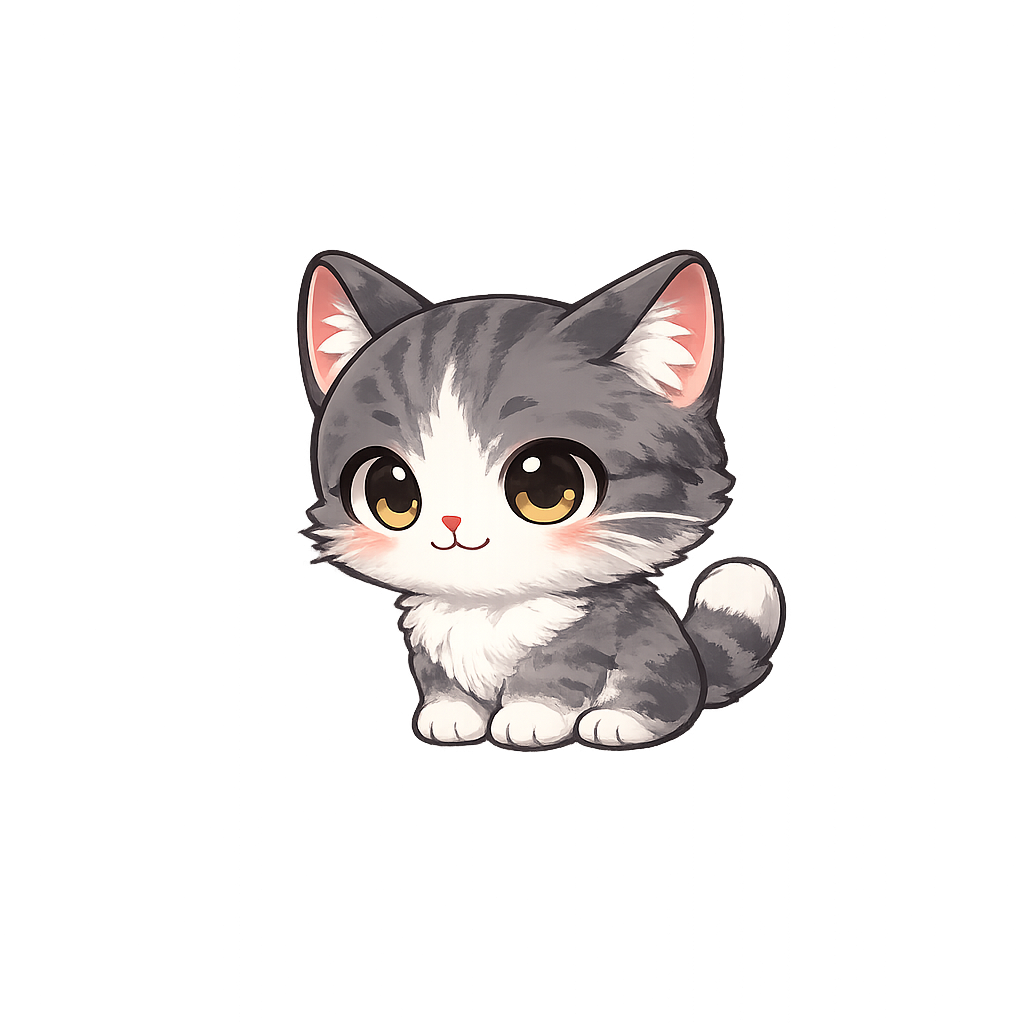
Kitten - Milo
A fluffy kitten for a cozy chat corner.
Cats
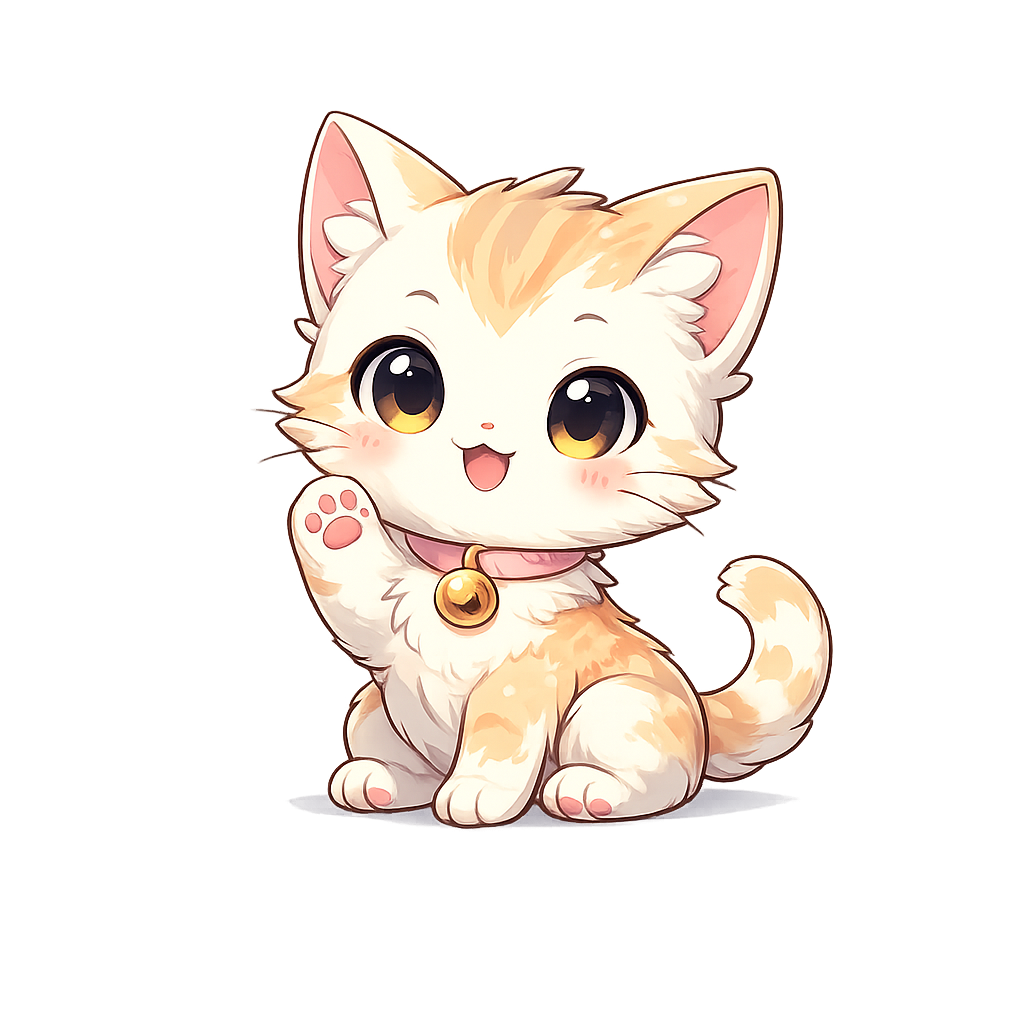
Cat - Luna
A soft chibi cat for friendly thank-you moments.
Dogs
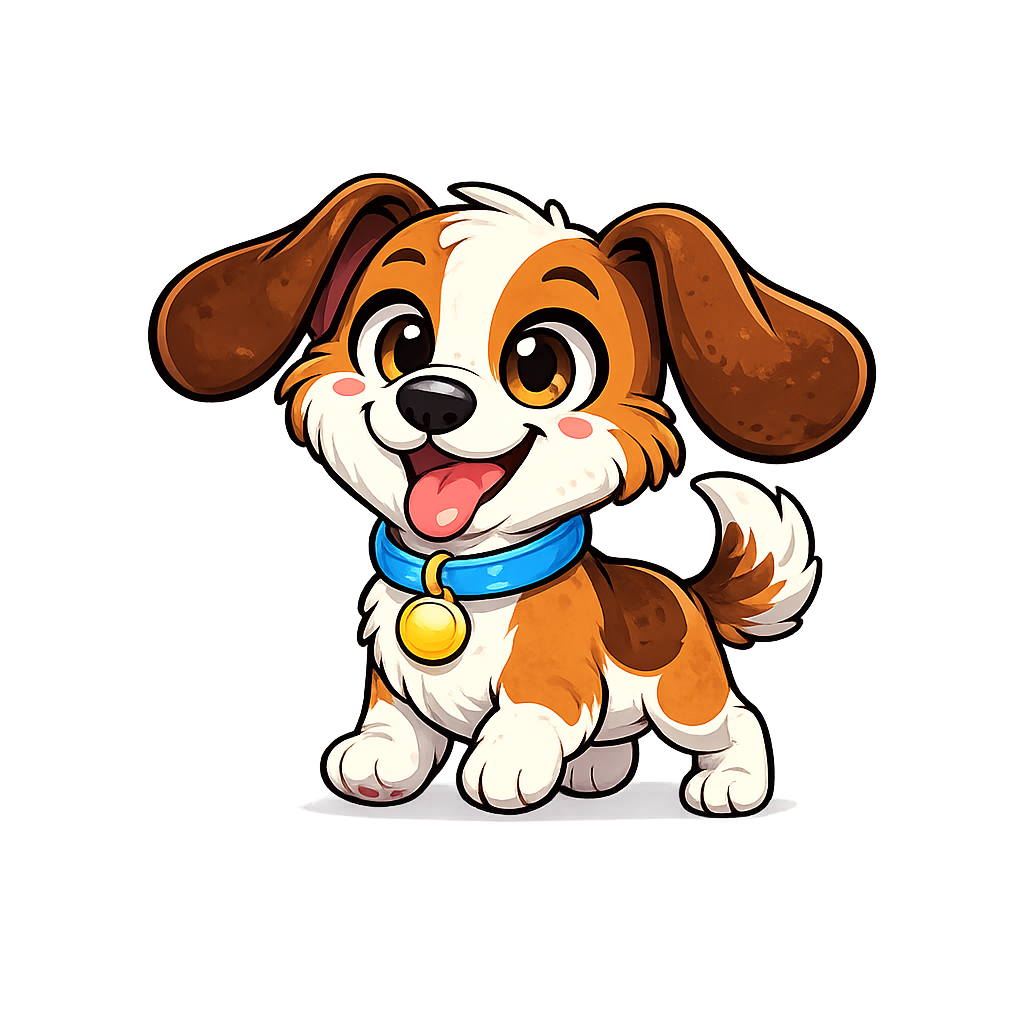
Dog - Buddy
A cartoon dog for energetic community moments.
Dogs
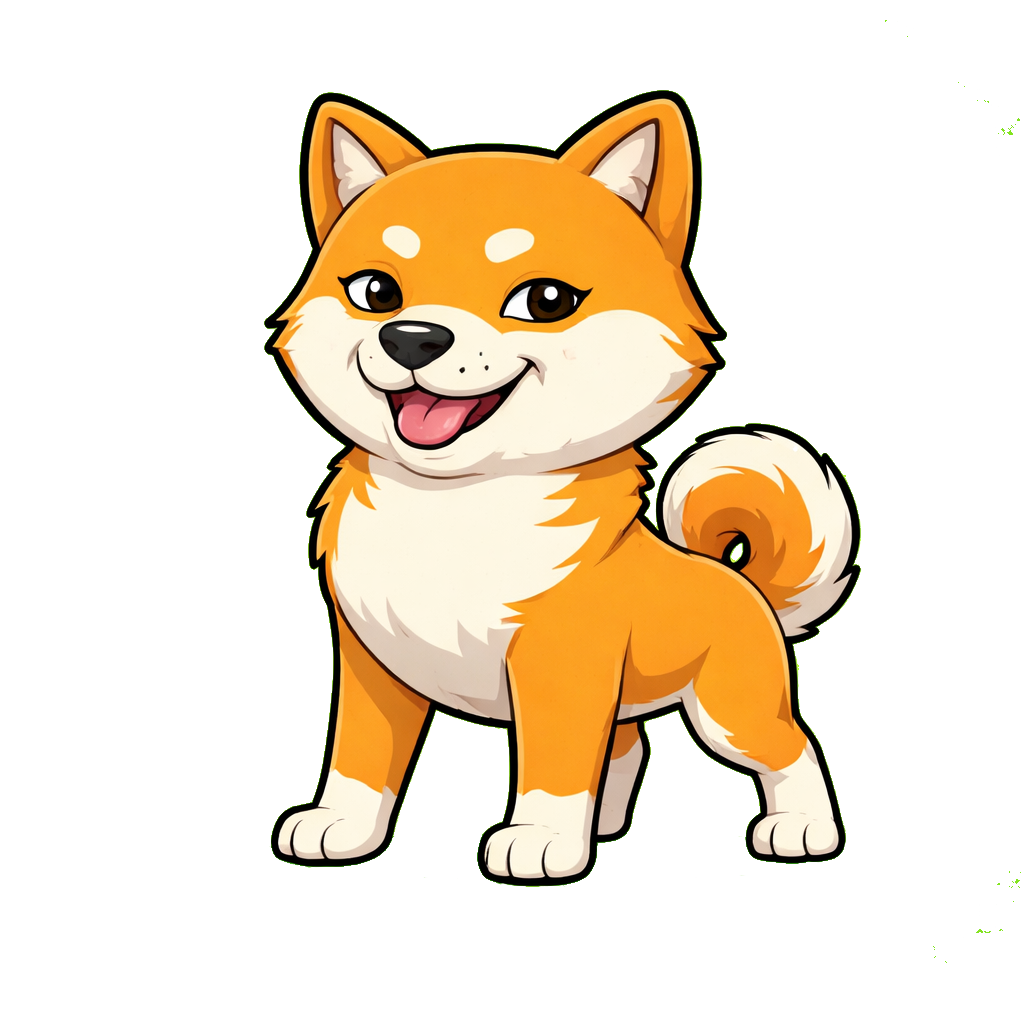
Dog - Momo
A playful shiba with a meme-friendly personality.

Foxes
Fox - Ember
A fox for a warm woodland-inspired scene.

Owls
Owl - Sage
An owl companion for a thoughtful channel identity.
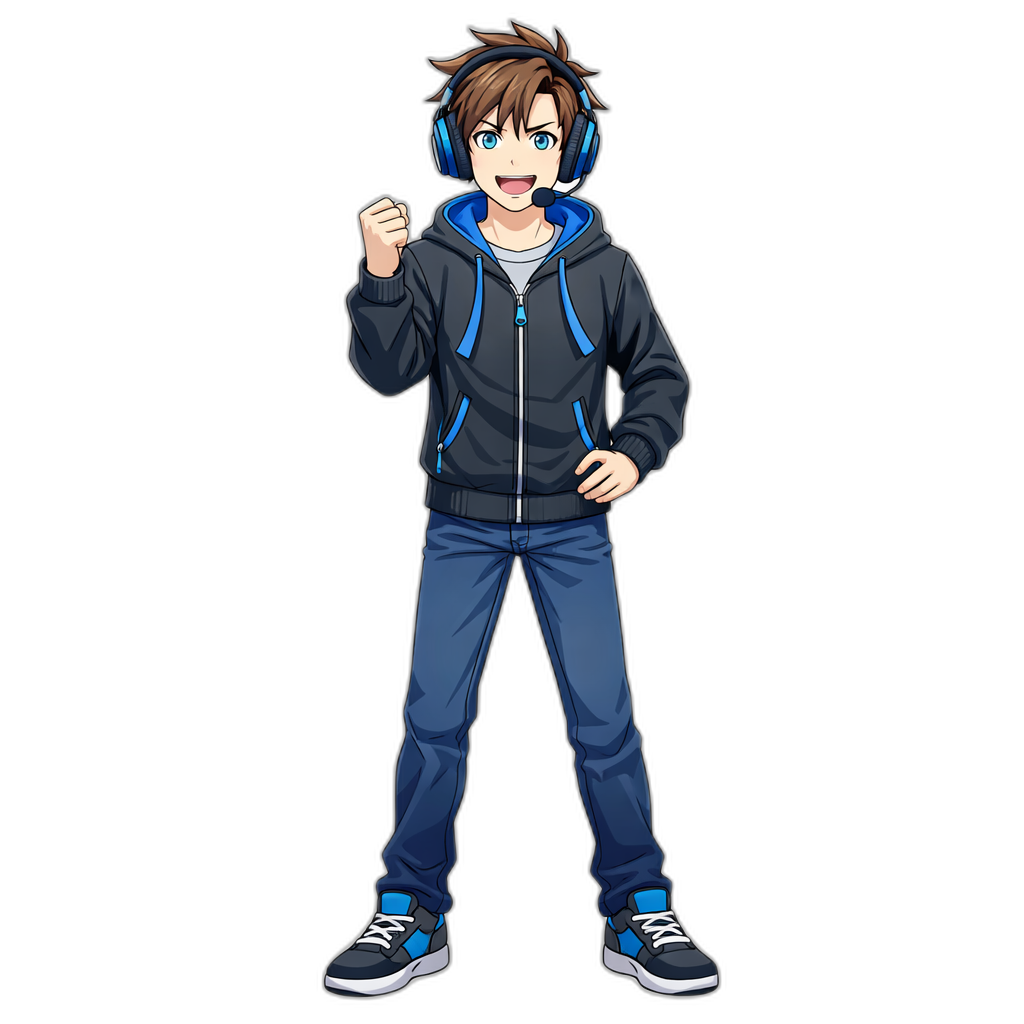
Anime
Avatar - Ace
An anime-style avatar for creator-led broadcasts.

Anime
Avatar - Mina
An illustrated avatar for softer stream styling.

Robots
Robot - Nova
A glossy robot for a futuristic scene.

Fantasy
Dragon - Spark
A little dragon for magical celebrations.

Fantasy
Spirit - Mori
A mushroom spirit for whimsical community streams.
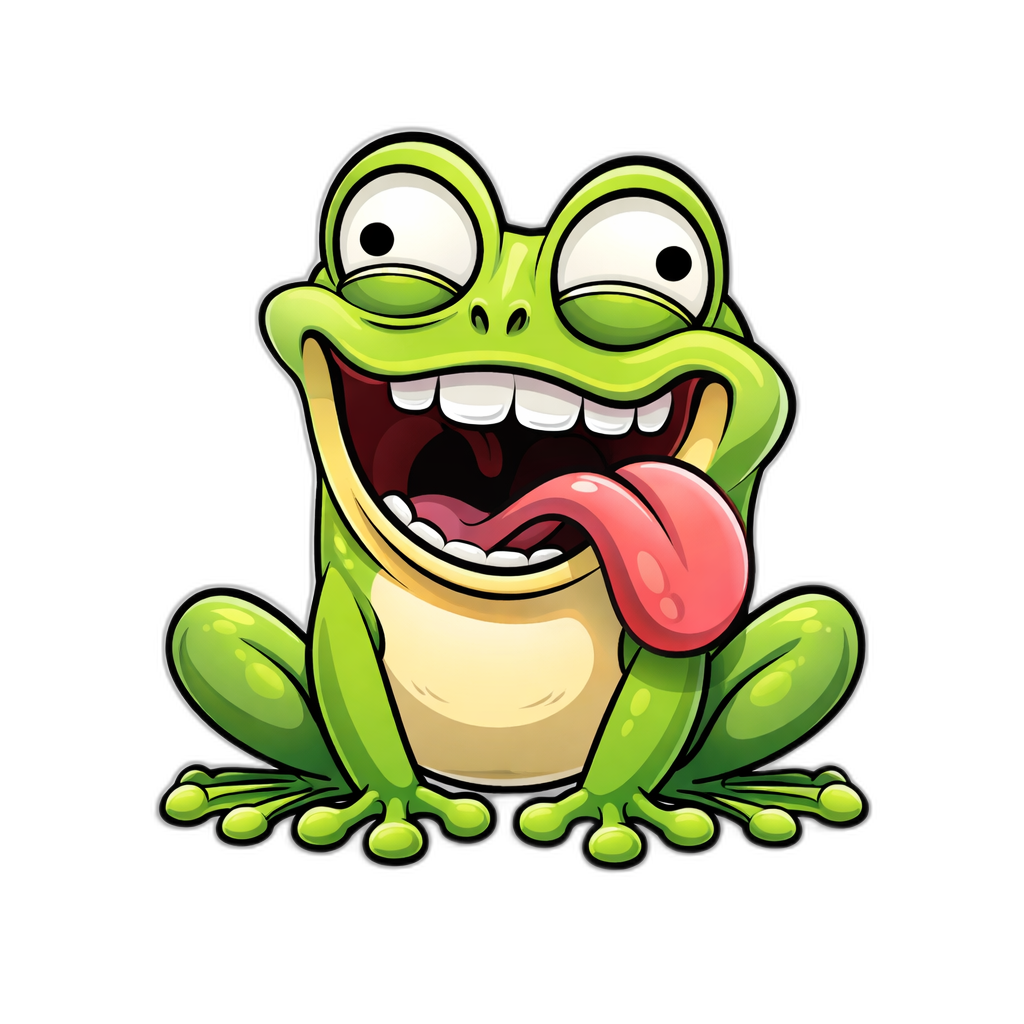
Meme
Frog - Gloop
A goofy frog for expressive chat moments.
Choose for readability as well as style. Preview the pet small, where it will actually sit during a broadcast. A bold outline and a clear gesture often work better than fine detail. These cards open the actual public character page; they are not generated promises of what a future pet might look like.
Are stream pets free?
Yes — StreamRio’s 48 public characters are free to preview and test for $0, including their available Reactions. Real viewer-event responses require Pro for public characters or Ultra for custom characters.
You can browse the public library, watch Reactions and try sample viewer events without buying a subscription. Sign in to build and test your own setup in the Dashboard. Eligible accounts can also use the experience credits shown in their account to generate a custom character. Those credits are limited, not an unlimited free generation service.
| Plan | You can try | Real live-event Reactions |
|---|---|---|
| Free · $0 | Public previews, sample events and account test tools | Not included |
| Pro | Public character library and configuration | Public characters |
| Ultra | Pro access plus custom-character generation credits | Public and your custom characters |
Generating a pet and using it live are separate choices. You can review a custom result before upgrading, and buying extra generation credits does not itself unlock live access. Compare the current Pro and Ultra plans and generation credit packs before paying. Your saved assets remain available to preview if your membership changes.
Prefer a pet based on your own photo or sketch? See how to create your own stream character and test its Reactions before going live.
Match your stream pet to your platform
Use a few deliberate event pairings first. If every event plays the same large animation, support moments stop feeling special. These examples are suggestions, not rules that overwrite your Dashboard. Available events depend on your connected platform, channel eligibility and saved configuration.
Twitch stream pets
| Viewer event | Reaction idea | Purpose |
|---|---|---|
| Follow or first hello | Clap or Invite | Welcome a new viewer |
| Subscription or Bits | Heart or Cheer | Thank someone for support |
| Raid or goal | Surprise or Dance | Celebrate a community moment |
TikTok LIVE stream pets
| Viewer event | Reaction idea | Purpose |
|---|---|---|
| Follow or viewer join | Clap or Invite | A friendly arrival |
| Gift | Heart or Cheer | A visible thank-you |
| Likes or a large gift | Dance or Surprise | A milestone celebration |
OBS, Streamlabs and other streaming software
The streaming app displays the pet through a transparent browser source; it is not the source of your Twitch or TikTok events. Keep the platform connected even when the picture looks correct. For dimensions, source order and connection checks, use the virtual pet overlay setup and troubleshooting guide.
Does a stream pet work with TikTok LIVE gifts?
Yes — StreamRio can connect 1 supported TikTok LIVE gift event to a chosen character Reaction through a saved rule. Public characters require Pro for real events; custom characters require Ultra. Sample events remain free to test.
See the TikTok LIVE gift overlay guide for gift-trigger examples and connection requirements.
Kappamon vs StreamRio: which should I pick?
StreamRio suits creators who want public or AI-generated characters reacting across 2 platforms: Twitch and TikTok LIVE. Compare Kappamon’s current catalogue and integrations before choosing; the table distinguishes documented features from details that remain unverified.
Choose the kind of interaction you want before comparing artwork. A chat companion, a persistent event-driven pet and an input visualizer solve different problems. This is a use-case comparison, not a claim that one tool replaces every feature of another. Check each provider’s current catalogue, platform support and terms before choosing.
| Feature | StreamRio | Kappamon | Streamlabs Chat Pets | Pando | Stream Avatars |
|---|---|---|---|---|---|
| Reacts to viewer events | Yes · saved event rules | Not verified | Not verified | Yes · Twitch interactions | Yes · viewer interactions |
| Stays on screen between events | Yes · Idle pose or animation | Not verified | Not verified | Yes · persistent pet | Yes · avatar overlay |
| Free tier | $0 previews and tests; paid live events | Not verified | Not verified | Free install; optional VIP | Paid software on Steam |
| OBS browser source | Yes · 1 Overlay URL | Not verified | Not verified | Yes · browser source | Desktop capture workflow |
| TikTok LIVE gifts | Yes · supported connection and rule | Not verified | Not verified | Not documented on homepage | TikTok listed; gift behavior not verified |
| Custom character | AI image and Reaction generation · credits | Not verified | Not verified | Pet catalogue; VIP personalization | Create or import community avatars |
Competitor details checked against their public pages, November 2026. This comparison is published by StreamRio. Sources: Pando, Kappamon, Streamlabs, Stream Avatars (OBS documentation, Steam listing). Kappamon’s site was unreachable and Chat Pets feature availability could not be independently confirmed, so no price or exclusivity claims are made for them. See also our Bongo Cat alternative and Streamlabs Sidekick comparison.
Turn your own pet into your stream character
Your companion does not have to come from a public catalogue. Upload a reference photo of your pet, your own appearance or an original character, choose a style, and review the generated image before making Reactions. A recognizable face can become a welcoming gesture, a thank-you heart or a celebration that belongs to your community.
You can also create a seasonal look for Halloween, Christmas or a channel anniversary. Treat a changed outfit as a separate look so its Reactions remain visually consistent. Image and video generation spend credits; testing saved assets does not regenerate them. You can create your character.
Get started in three short steps
- Choose a public pet or create your own character.
- Test a Reaction and map a viewer event in the Dashboard.
- Add your Overlay URL to streaming software and check the scene.
Need the exact OBS settings? Continue to the detailed overlay setup guide.
Stream pets: eight questions before you start
Are StreamRio stream pets free?
Browsing and testing stream pets is free. Real viewer-event Reactions require Pro for public characters or Ultra for custom characters. Experience generation credits, when available in your account, are limited and are not an unlimited free plan.
Can I use a stream pet on Twitch?
Yes, StreamRio can react to supported Twitch events through your connected account and saved rules. Start with a follow, subscription or Bits event, then test the chosen Reaction before using the Overlay in a live scene.
Can a stream pet react to TikTok LIVE gifts?
Yes, supported TikTok LIVE gifts can trigger your configured Reactions. Follows, chat and other supported events can use separate rules. Keep the account connection active and verify that the gift rule matches the event you want to celebrate.
Does a stream pet work in OBS or Streamlabs?
Yes, StreamRio displays through a transparent browser-source URL. Add it to software that supports that source, and keep the platform connection separate from the visual source. Use the overlay setup guide for source dimensions and troubleshooting.
Can I turn my real pet into a stream pet?
Yes, you can use a reference photo to create a custom character. Review the image, then generate the Reactions you need using credits. You can preview saved results before subscribing; responding to real live events with that custom character requires Ultra.
How is StreamRio different from Bongo Cat?
StreamRio responds to audience events rather than keyboard or mouse input. A Bongo Cat-style input overlay is a better fit when the goal is to show your controls. You can use separate sources for those two jobs in the same scene.
Do I need to generate every Reaction before I can start?
No, start with the Reactions that serve your stream. One thank-you animation for a subscription or gift is a concrete first task. Public characters already have a prepared library; custom characters can grow a Reaction set over time, with credits charged for each generation.
Can I give my pet a Christmas or Halloween outfit?
Yes, you can create a separate seasonal look from your character image. Keep that look’s generated Reactions together for visual consistency. A new image or Reaction uses generation credits; it is not a free automatic outfit change across existing videos.