
How to Stream Without a Webcam: 5 Visual Setups Compared
You do not need a facecam—or an expensive Live2D VTuber rig—to keep viewers watching on Twitch or TikTok LIVE. Compare 5 faceless visual setups and test an animated stream pet right inside a live scene below.
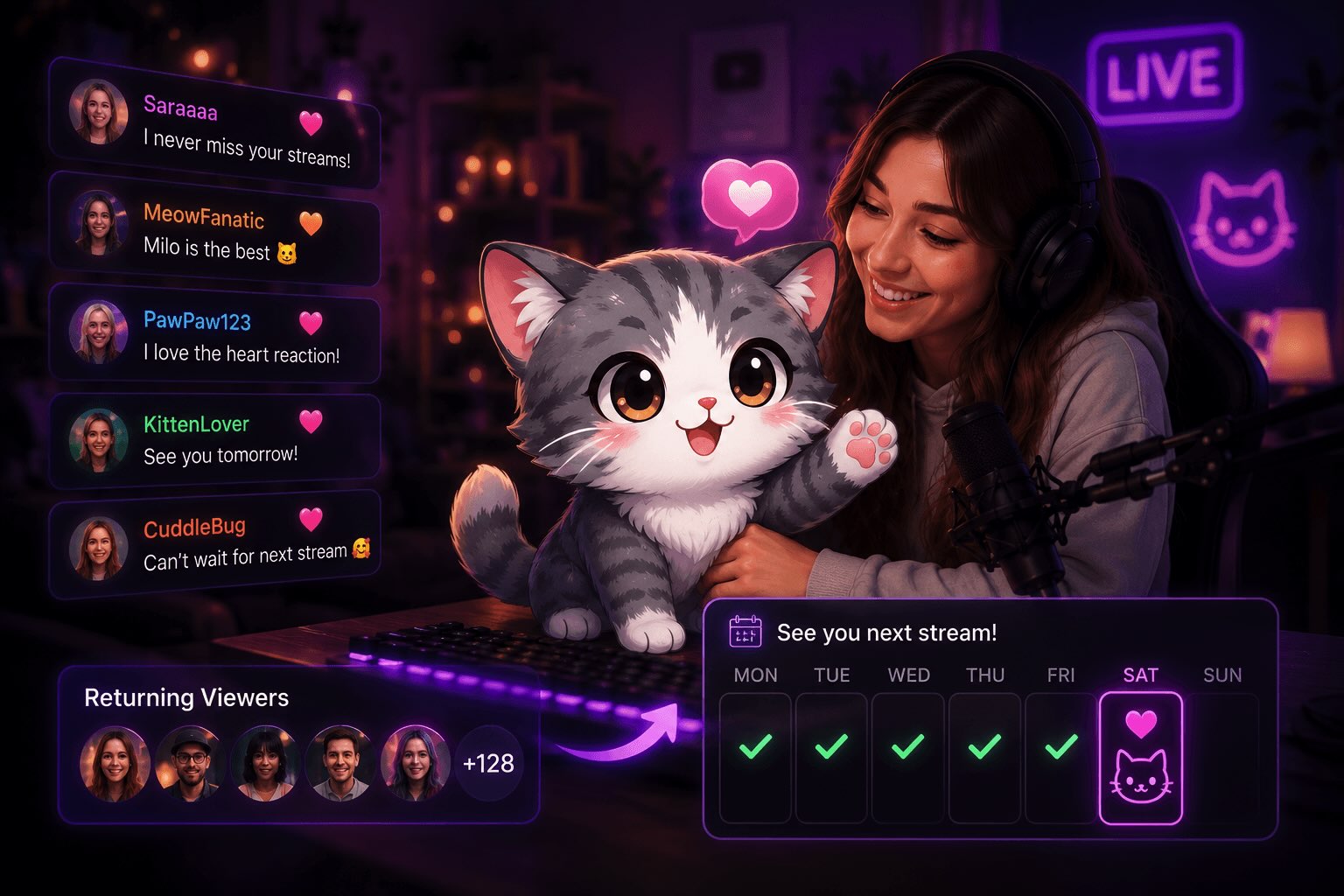
How can you stream without a webcam and still keep viewers engaged?
To stream without a webcam and still retain viewers, replace the empty camera corner with a responsive visual anchor—such as an event-reactive stream pet, a PNGTuber, or a lightweight mascot—so newcomers see movement within 3 seconds and receive visible feedback when they follow, chat, cheer Bits, or send TikTok LIVE gifts.
Pure gameplay with no visual presence often struggles in Twitch thumbnails and TikTok LIVE feeds because viewers cannot immediately tell what makes the room different. Adding 1 transparent character layer fixes that without forcing you on camera.
5 no-webcam streaming setups compared
Choose based on what should drive the movement on screen: your voice, your face, or your audience.
| No-cam setup | What drives movement | Setup & PC overhead | Audience interaction | Best fit |
|---|---|---|---|---|
| Gameplay or screen only | None (no on-screen host presence) | None · lowest CPU | Harder to recognize in clips and LIVE feeds | Pure speedruns, tutorials, or voice-only commentary |
| Static mascot or avatar PNG | None (image never moves) | 1 image source in OBS | Low · viewers cannot trigger reactions | Minimal branding when you only want a corner logo |
| PNGTuber (e.g., veadotube mini) | Your microphone volume switches open/closed mouth states | 2–4 PNG states + lightweight desktop app | Medium · reflects your voice, not viewer events | Talk-heavy streams where you want a voice stand-in |
| Tracked VTuber (e.g., VTube Studio) | Webcam or iPhone face tracking mirrors expressions | Rigged Live2D/3D model + tracking app + higher CPU/GPU | High personal expression · steep setup and cost | Creators making a full virtual persona their primary identity |
| Event-reactive stream pet (StreamRio) | Viewer follows, subs, Bits, raids, gifts, likes, and chat | 1 transparent OBS Browser Source URL · no plugin or rig | High audience feedback · pet idles and celebrates viewers | No-cam creators on Twitch & TikTok LIVE who want lively viewer reactions |
References: veadotube mini documentation, VTube Studio documentation, and OBS Browser Source guide. For a deeper format breakdown, see Custom stream character vs PNGTuber vs VTuber.
Try a no-cam stream sidekick live in a scene
Pick a pet, drawing, or original character idea and trigger a follow, subscription, or gift. This is how an animated Browser Source feels in OBS without turning on a webcam.Turn a pet, selfie, sketch, or favorite thing into a character that reacts on stream.
What would you bring to life?
Let your pet greet the chat
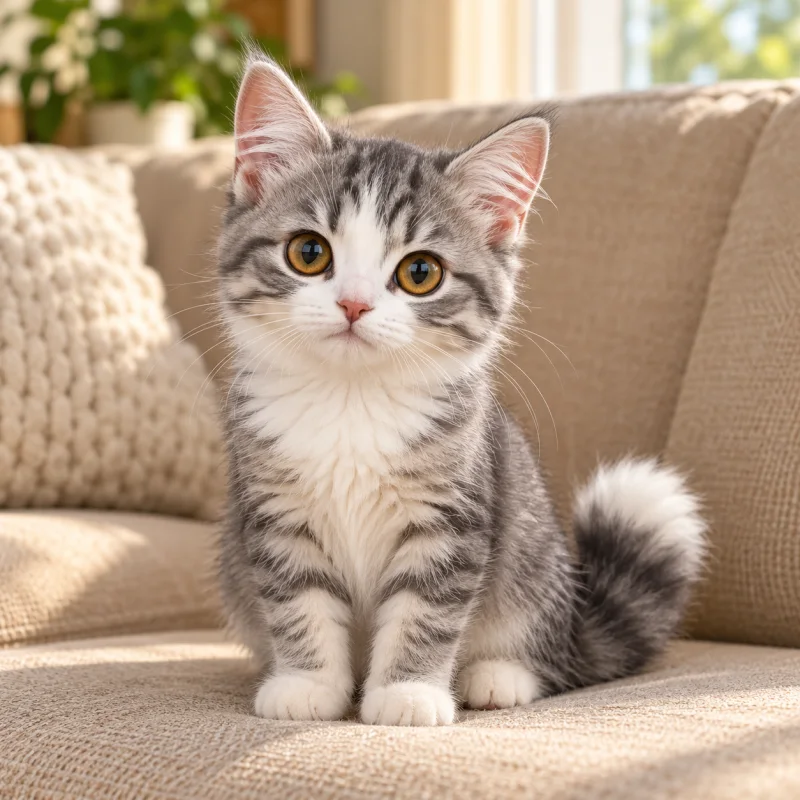



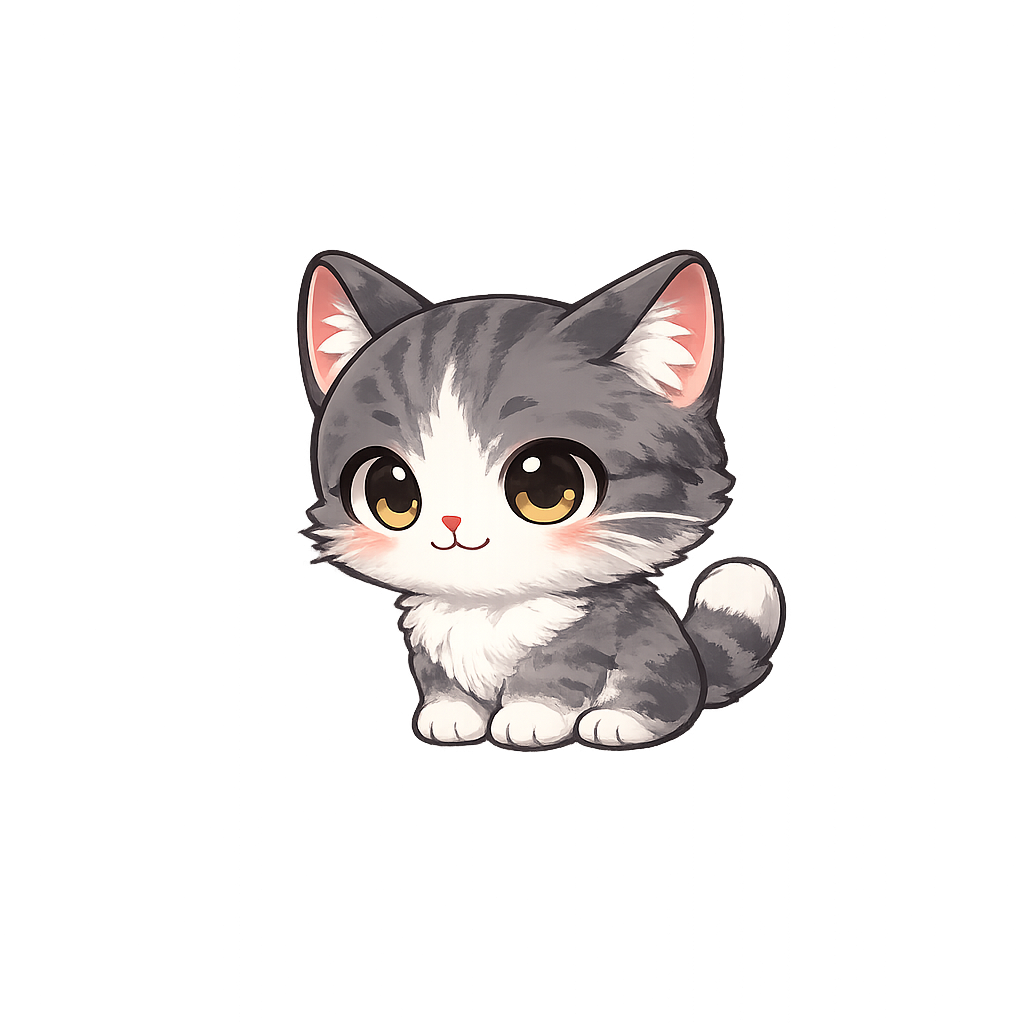
Choose a viewer event to preview an animation.
Turn a pet photo, sketch, or character idea into your on-screen host
Instead of looking like every other no-cam stream, start from something viewers already associate with you—your real cat or dog, a channel doodle, or an original persona—and generate transparent looping Reactions.
From a real pet photo
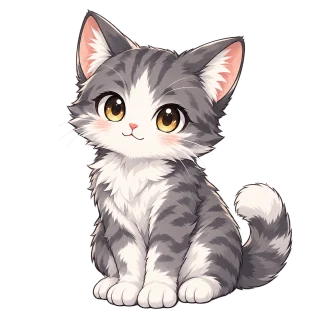
Milo (Chibi Kitten)
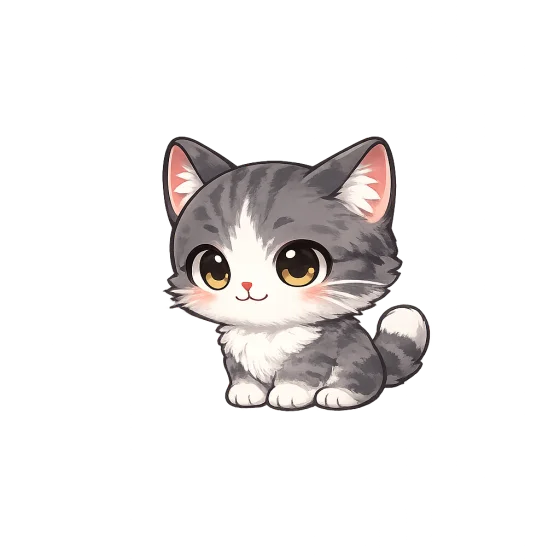
Turn a real cat or dog photo into an animated corner sidekick that celebrates every follow or gift.
From a sketch or doodle
Boba (Kawaii Mascot)
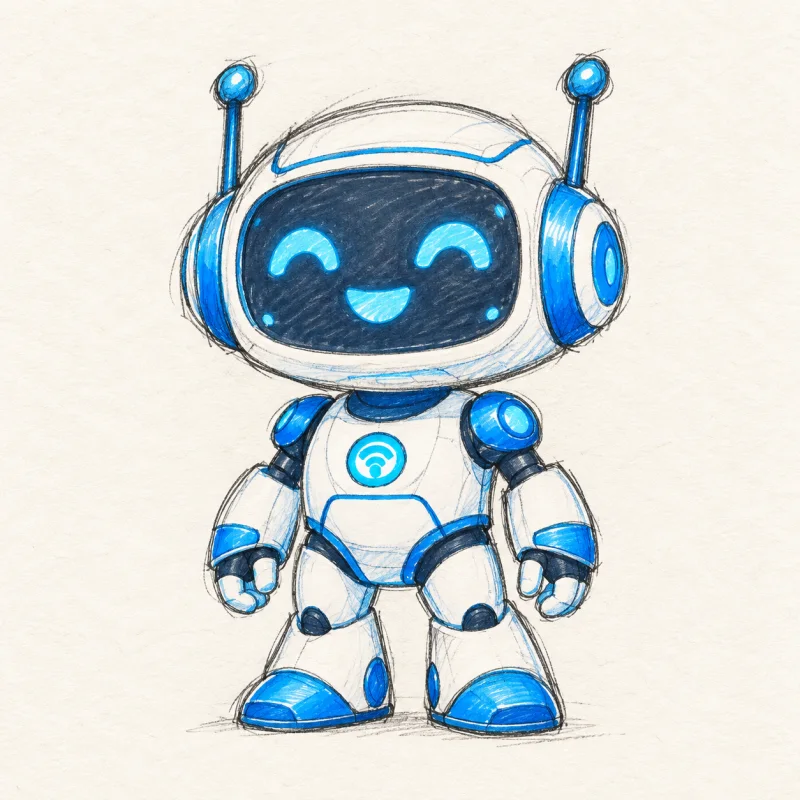

Upload channel art, a mascot doodle, or a favorite snack to give a faceless channel an instant visual hook.
From a portrait or OC
Lumi (Anime Character)
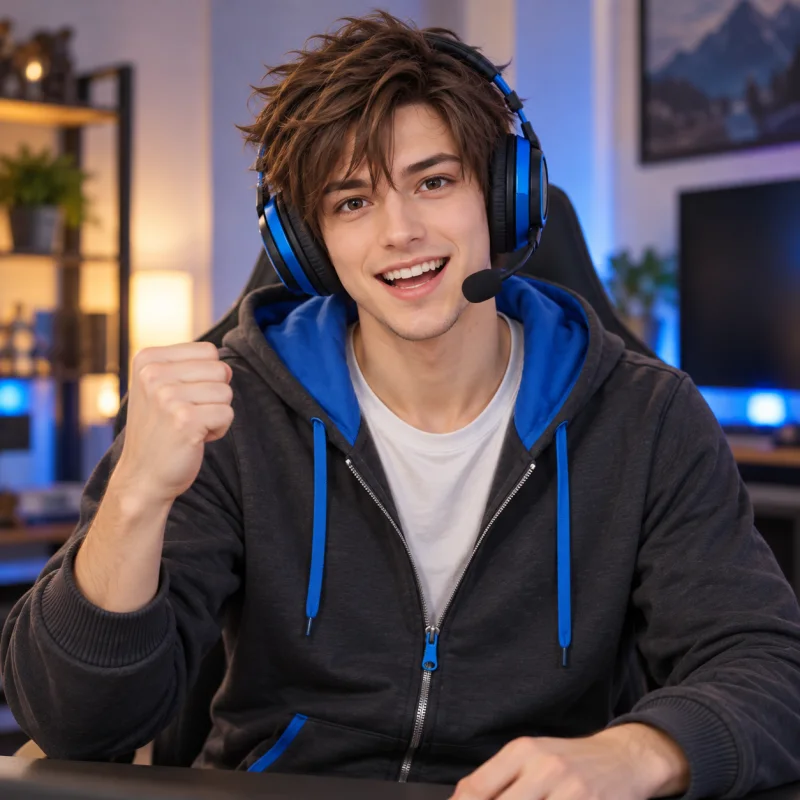
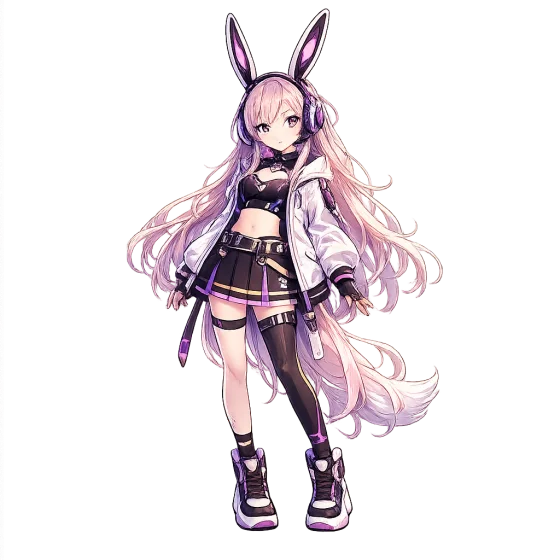
Keep a stylized anime persona on screen without turning on a camera or buying a Live2D rig.
From a fantasy concept
Spark (Fantasy Dragon)


Match RPG, cozy, or sci-fi streams with a themed companion that reacts when viewers cheer.
Match your stream vibe across 6+ visual styles
The same character concept can adapt to cozy, anime, cartoon, cyberpunk, or fantasy scenes.





How to build a clean no-cam OBS scene in 4 steps
You do not need cluttered frames or heavy plugins. One transparent 4:5 mascot source beside chat gives viewers a clear focal point while keeping gameplay clean.
1. Replace the empty camera box with a 4:5 character source
Add your StreamRio Overlay URL as an OBS Browser Source (or Link source in TikTok LIVE Studio) set to 720 × 900 or 800 × 1000. Keep the background transparent so the character sits naturally over gameplay or chat.
2. Place the mascot near chat so viewers connect cause and effect
Bottom-left or bottom-right beside your on-screen chat box works best. When a viewer follows, redeems Channel Points, or sends a gift, their eyes see the message and the animated character reaction together.
3. Map 3 distinct energy levels instead of one noisy alert
Keep Idle running between moments, assign a light Clap or Heart to follows and small gifts, and reserve Dance or Surprise for subscriptions, 100+ Bits Cheers, raids, or premium TikTok LIVE gifts.
4. Pair strong audio with visible on-screen cues
No-cam streams rely on clear microphone audio and visual rhythm. Use a noise gate, speak through quiet stretches, and let the animated sidekick give lurkers a low-pressure reason to interact.
No-webcam streaming questions answered
Can you grow on Twitch or TikTok LIVE without a webcam?
Yes. Many successful Twitch and TikTok LIVE creators stream without a facecam by pairing clear voice commentary with a recognizable visual anchor—such as a PNGTuber, VTuber, or an event-reactive stream pet that responds visibly to viewer chat, follows, Bits, and gifts.
What is the easiest webcam alternative for a beginner streamer?
An event-reactive browser-source mascot like StreamRio or a two-frame PNGTuber is the fastest starting point. StreamRio runs in a web browser with 1 OBS Browser Source URL, requires no face tracking or Live2D rigging, and stays free ($0) to preview and test.
Can I use a PNGTuber and a StreamRio pet in the same OBS scene?
Yes. A PNGTuber reacts to your microphone when you speak, while a StreamRio character reacts to audience events like follows, subscriptions, Bits, and TikTok LIVE gifts. Because StreamRio is a separate transparent Browser Source, both can sit cleanly in one scene.
Do I need a powerful PC or a camera to run a StreamRio character?
No. StreamRio does not use webcam tracking or 3D model rendering on your GPU. OBS or TikTok LIVE Studio simply loads a lightweight transparent browser-source overlay URL.
Can I turn my own pet photo into a no-cam stream mascot?
Yes. Upload a pet photo, sketch, or text description in StreamRio, choose a style such as Cute 3D, Chibi, Anime, or Cartoon, and generate custom transparent Reactions with credits. Previewing is available before going live; real live-event reactions require Ultra for custom characters or Pro for public-library characters.
Does StreamRio work on Kick or YouTube Live?
StreamRio's transparent Browser Source URL loads in OBS, Streamlabs, and other streaming apps used on any platform, while native real-time viewer-event triggers currently support Twitch and TikTok LIVE.
Next steps for your no-cam stream
Create a custom stream character
Generate a mascot from a photo, sketch, or prompt and test its Reactions.
Browse free stream pets
Explore public animated cats, dogs, anime, and fantasy companions.
OBS Browser Source setup
Recommended 4:5 dimensions, transparency settings, and placement tips.
25 Twitch Channel Points ideas
Copy-paste Channel Points rewards that turn lurkers into active chatters.
Last updated: