
How Small Streamers Can Stand Out in 2026: Low-Budget Interactive OBS Setup
You do not need a $2,000 camera rig, complex OBS plugins, or a crowded overlay pack to make a 0–10 viewer channel feel alive. Here is a lightweight 5-layer OBS setup that keeps your FPS smooth and gives every viewer an immediate reason to stay and chat.
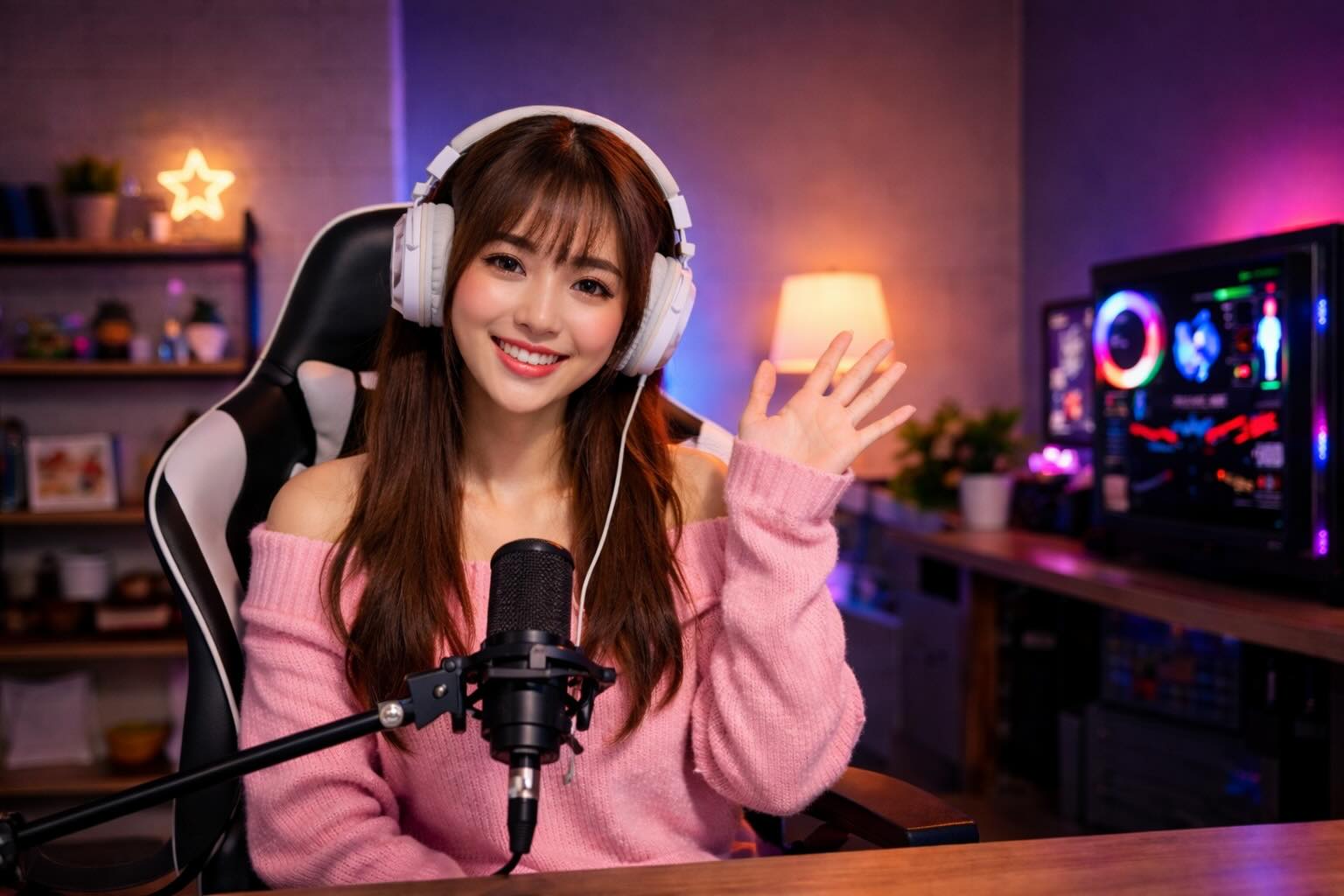
What actually makes a small stream feel memorable?
Small streams rarely lose viewers because they lack expensive hardware—they lose viewers because the screen looks static and chat feels silent. Standing out on a tight budget comes down to three things: crisp audio (free OBS filters), one recognizable visual signature in the corner of your scene, and fast visual reactions whenever a viewer takes a free action like following, chatting, or tapping likes.
1 visual focal point, not 6 widgets
Remove rotating follower tickers and bulky frames. A single transparent animated mascot is readable even inside tiny Twitch browse thumbnails.
Reward free actions immediately
New channels see follows, likes, and Channel Points long before big donations. Triggering cute animations on free events warms up quiet rooms.
Zero plugins, single-PC safe
Skip heavy face-tracking pipelines and unstable OBS scripts. A single 4:5 Browser Source URL runs cleanly alongside demanding games.
The 5-layer low-budget interactive OBS stack
Copy this exact layer order in OBS Studio or Streamlabs Desktop to maximize visual polish while keeping CPU and GPU load minimal.
| OBS Layer | Recommended Setup | Budget | CPU / FPS Impact |
|---|---|---|---|
| 1. Main Canvas (Game / Window) | 1080p or 720p clean capture with no heavy animated webcam borders | $0 (OBS built-in) | Baseline — keeps GPU encoder headroom free |
| 2. Audio Chain (Mic + Filters) | OBS Noise Suppression (RNNoise), Compressor, and Limiter so voice is clear even on a budget USB mic | $0 (OBS built-in) | Very low — biggest perceived quality upgrade for small channels |
| 3. Clean Transparent Chat | Compact 4–6 line transparent chat box positioned along one edge | $0 (free widget) | Low — reassures new viewers that chat is active and visible |
| 4. Animated Stream Pet Browser Source | 1 transparent 4:5 StreamRio Browser Source (720 × 900) reacting to follows, chat, Channel Points, Bits, or TikTok LIVE gifts | $0 Free Preview to design & test; Pro/Ultra for live events | Low — single lightweight web source, zero OBS plugins or face tracking |
| 5. Focused Alert / Goal Discipline | Skip cluttered scrolling tickers and 6 overlapping widgets; let one character carry visual reactions | $0 (simplifies scene) | Saves CPU/RAM and keeps the thumbnail clean on Twitch & TikTok |
Click a viewer event to preview a low-CPU OBS mascot scene
This is what a single transparent 4:5 StreamRio Browser Source adds to an OBS scene—no plugins, no webcam rigging, and instant visual reactions for Twitch or TikTok LIVE.Turn a pet, selfie, sketch, or favorite thing into a character that reacts on stream.
What would you bring to life?
Let your pet greet the chat
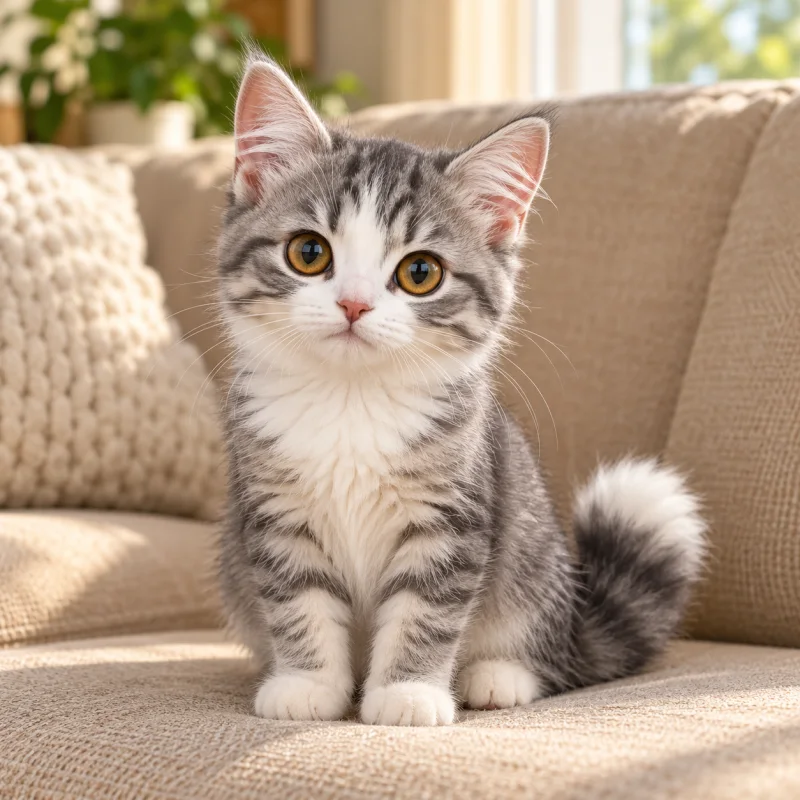
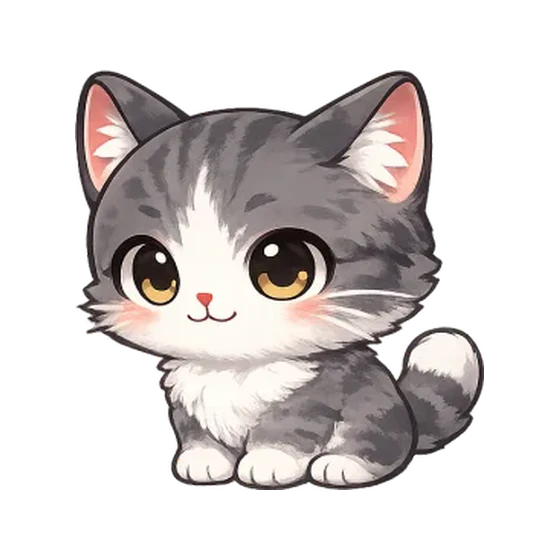


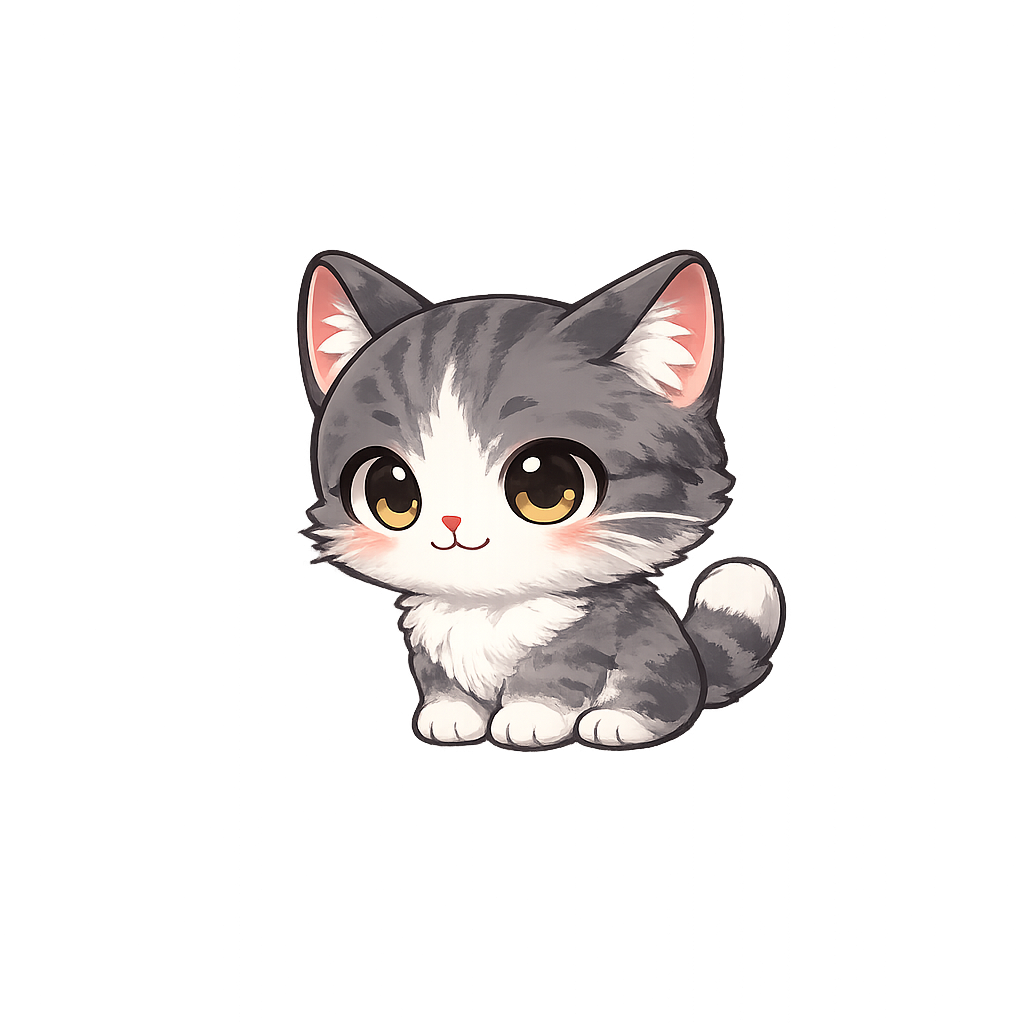
Choose a viewer event to preview an animation.
Match your mascot style to your stream niche
Instead of blending in with the same default alert pack everyone else uses, pick a character style that matches your games and vibe—or generate a one-of-a-kind mascot from your own pet photo.
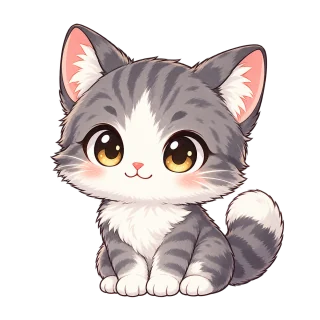
Cozy, Indie & Just Chatting
Chibi Mascot
Soft proportions that sit warmly beside chat without competing with dialogue-heavy games.

Variety & Community Streams
Cute 3D Sidekick
High visual polish that immediately looks intentional in Twitch browse thumbnails and TikTok feeds.

FPS, Sci-Fi & Night Streams
Cyberpunk Mascot
Matches dark neon HUDs while keeping transparent edges crisp over fast-paced gameplay.

Study, Coding & Minimalist
Minimalist Companion
Clean silhouette that adds calm personality to focus, art, or dev streams with zero clutter.
Set up your interactive Browser Source in 4 quick steps
Need exact canvas pixel math for 1080p, 1440p, or vertical 9:16 scenes? Pair this checklist with our free OBS Browser Source Size Calculator.
1. Pick or generate 1 signature character (2 minutes)
Start with a ready-made virtual pet from the StreamRio library in Free Preview ($0), or create a custom mascot from your real pet photo or brand concept.
2. Map free viewer actions first (3 minutes)
For 0–10 viewer channels, free interactions happen far more often than paid tips. Assign Follows, Chat keywords, Twitch Channel Points, or TikTok LIVE Likes/Shares to Clap and Heart reactions.
3. Add 1 Browser Source in OBS at 720 × 900 (3 minutes)
In OBS Sources, click + → Browser, paste your private StreamRio Overlay URL, set Width to 720 and Height to 900 (4:5 portrait ratio), and drag the transparent character to a bottom corner.
4. Optimize performance & fire a Test Reaction (2 minutes)
Enable "Shutdown source when not visible" on intermission-only scenes, keep hardware acceleration on in OBS, and trigger a Test Reaction from the StreamRio dashboard to verify placement before going live.
3 high-impact triggers for small channels
You do not need 50 complicated alerts. Start with these three reactions so every new visitor immediately sees your room respond.

First follow or join · Clap Welcome
Turns an awkward silent follow alert into a charming visual wave that invites the viewer to say hi in chat.

Lurker Channel Point or Like milestone · Heart Reaction
Gives shy viewers a zero-cost button to interact with your scene without needing to type a full message.

First sub, raid, Bits cheer, or TikTok Gift · Dance Celebration
Creates a clip-worthy celebratory moment that makes early supporters feel like VIPs in a cozy room.
Small streamer OBS overlay questions
How can a small streamer stand out without spending a lot of money?
Focus on 3 high-leverage details instead of expensive hardware: clean microphone audio using free OBS filters, a clutter-free 1-focal-point layout, and instant visual feedback when a viewer follows, chats, redeems Channel Points, or sends a gift. A single animated stream pet overlay creates stronger visual identity than stacking generic borders and static panels.
Does an interactive OBS Browser Source overlay hurt gaming FPS?
A single transparent Browser Source like StreamRio uses very little CPU compared to running face-tracking software, 3D VTuber rigs, or 5 separate animated alert plugins at once. Because there is no local OBS plugin or webcam tracking required, most single-PC streaming setups keep smooth game frame rates.
What OBS Browser Source size should I use for a StreamRio mascot?
Use a 4:5 portrait size such as 720 × 900 or 800 × 1000. This matches the transparent character canvas cleanly with no stretched edges or empty gaps, and leaves space above the character for speech bubbles.
Can I use the same interactive OBS setup for Twitch and TikTok LIVE?
Yes. StreamRio runs as a standard Browser Source URL in OBS Studio, Streamlabs Desktop, and TikTok LIVE Studio (Link source). You can connect Twitch events like follows, subs, Bits, raids, and Channel Points, or TikTok LIVE events like gifts, likes, follows, shares, chat, and viewer joins.
How much does StreamRio cost for a small streamer?
StreamRio Free Preview is $0 and lets you browse public characters, configure event rules, and run Test Reactions in OBS before paying. StreamRio Pro enables live Twitch and TikTok LIVE event reactions for public-library characters, and StreamRio Ultra unlocks live viewer-event reactions for custom AI-generated characters plus monthly generation credits.
Should a small streamer buy a webcam, a VTuber rig, or a stream pet first?
If you are comfortable on camera, a basic webcam plus clean audio works well and can still be paired with a corner stream pet for reactions. If you prefer streaming without a camera or want instant polish without paying hundreds of dollars for VTuber rigging, starting with an animated stream pet Browser Source is faster, lighter on CPU, and immediately recognizable.
Next guides & free OBS tools
OBS Browser Source size calculator
Get exact 4:5 Browser Source pixel sizes like 720 × 900 with zero blank gaps.
How to stream without a webcam
Compare PNGTuber, VTuber, and animated stream pet setups for faceless channels.
25 Twitch Channel Points ideas
Copy-paste lurker-friendly Channel Points rewards paired with mascot reactions.
Turn your pet photo into a mascot
Convert a real cat or dog photo into an animated stream pet in 4 steps.
Stop viewers scrolling past TikTok LIVE
3-second visual hooks and 9:16 safe-zone layout tips for TikTok LIVE.
Add StreamRio to OBS Studio
Step-by-step screenshot walkthrough for pasting your transparent URL into OBS.