
How to Get More TikTok LIVE Gifts Without Begging
Viewers gift more often when their support triggers an instant, memorable moment on screen. Use this 4-tier visual reaction blueprint—and test Rose and Galaxy reactions inside a live preview below.
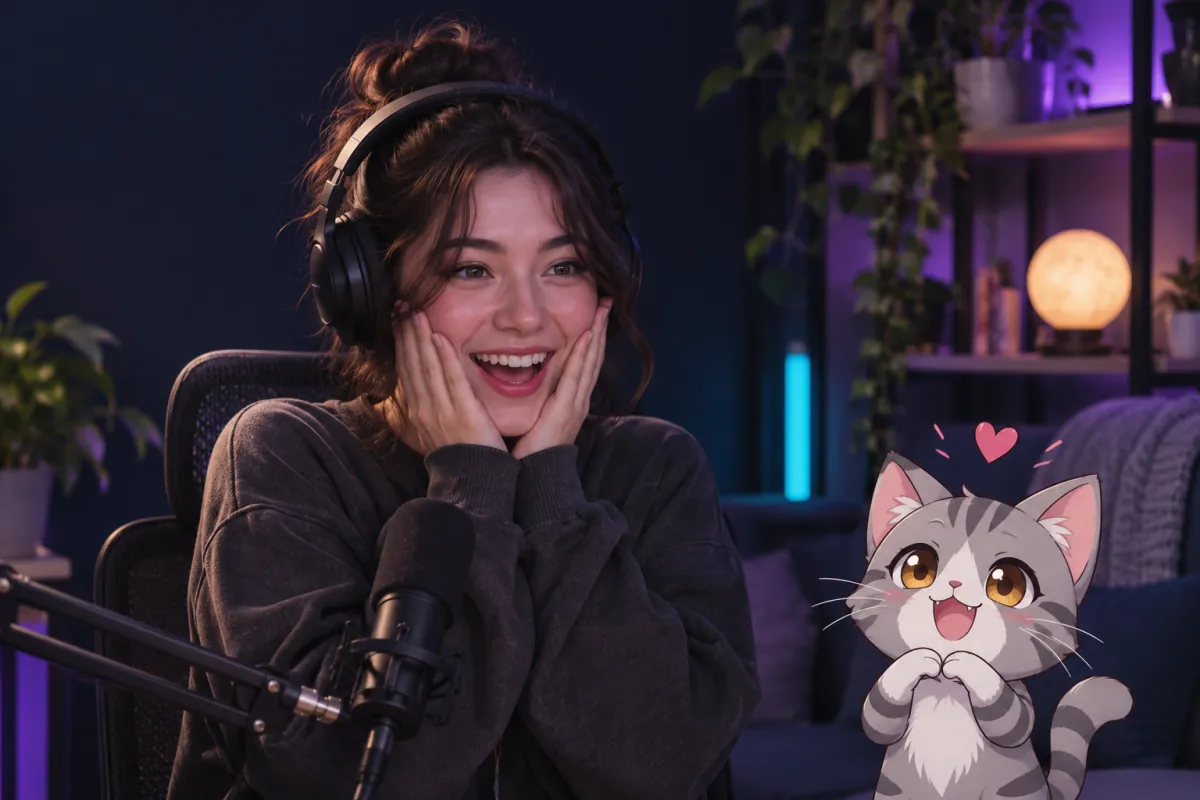
Why does tiered visual feedback earn more TikTok LIVE gifts than asking viewers?
Tiered visual feedback turns TikTok LIVE gifting into an interactive cause-and-effect loop instead of a one-way request. By mapping 4 clear Coin brackets—from 1-coin Roses to 1,000-coin Galaxies and 29,999+ coin Lions—to distinct animated character reactions, creators acknowledge every supporter visibly without interrupting the stream or begging.
Results always depend on your audience, content quality, and consistency—no overlay guarantees revenue—but clear visual acknowledgment removes the awkwardness of asking for gifts and gives lurkers a fun reason to participate.
4-tier TikTok LIVE gift reaction table
Keep small gifts fast and non-disruptive so higher-value gifts feel visibly special. Click any gift to inspect its Coins, USD, and Rupiah planning estimate.
| Gift tier | Coin range | Example gifts | Recommended reaction | Why it works |
|---|---|---|---|---|
| Tier 1 · Everyday micro-gifts | 1–20 Coins | Quick Heart or Clap + short name thank-you | Acknowledges frequent gifts instantly without hijacking your conversation or covering the vertical screen. | |
| Tier 2 · Mid-support & challenges | 99–500 Coins | Energetic Cheer or Wave + highlighted bubble | Gives casual supporters an affordable tier that looks noticeably bigger than a single Rose. | |
| Tier 3 · Signature stream moments | 1,000–10,999 Coins | Full Dance or Surprise celebration + verbal shoutout | Makes premium gifts feel like an unmistakable room-wide event that prompts other viewers to react in chat. | |
| Tier 4 · Legendary milestones | 25,999–60,999 Coins | Biggest celebration Reaction + goal milestone callout | Reserves your highest-energy animation for rare highlight gifts so big moments never feel identical to small ones. |
Try Rose, Galaxy, follow, and like reactions live
Click a TikTok LIVE event below to see how an animated StreamRio character turns gifts and engagement into instant visual rewards—no account needed.Click a TikTok LIVE event below to see how an animated StreamRio character turns gifts and engagement into instant visual rewards—no account needed.
What would you bring to life?
Let your pet greet the chat




Choose a viewer event to preview an animation.
Match animation energy to each gift tier
If a 1-coin Rose and a 1,000-coin Galaxy play the exact same clip, viewers lose the excitement of unlocking bigger moments. Separate your library into calm, upbeat, and celebration clips.

Tier 1 · Rose & small gifts (1–20 Coins)
Heart Reaction
Warm, fast appreciation that keeps the LIVE pacing smooth even during gift streaks.

Tier 2 · Follows, likes & mid gifts (99+ Coins)
Clap Reaction
Turns everyday engagement—like milestones, shares, and mid-tier gifts—into visible room energy.

Tier 3–4 · Galaxy, Lion & Universe (1,000+ Coins)
Dance Celebration
A clear visual step-up that rewards top supporters and sparks chat reactions.
Keep streaming while reactions run automatically
Automate every thank-you so you never miss a gifter mid-game
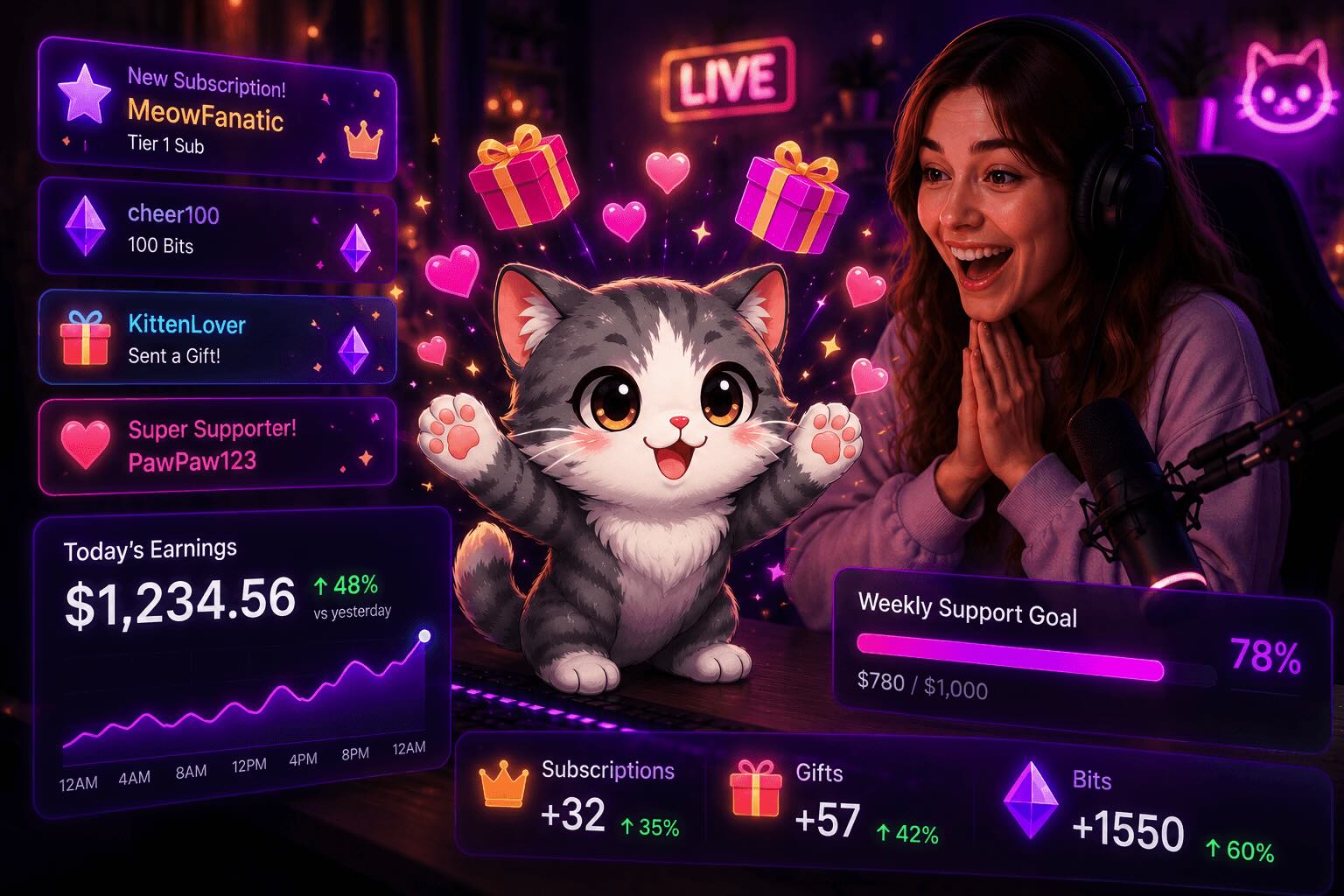
When chat moves quickly or you are focused on gameplay, manual shoutouts fall behind. A connected StreamRio overlay catches every supported gift, follow, like, and share automatically and displays the supporter's moment right inside your scene.
5 non-NPC TikTok LIVE engagement loops that keep viewers watching
You do not have to act like an NPC to make a TikTok LIVE room feel interactive. Use these lightweight loops alongside gaming, chatting, art, music, or cozy streams.
1. Build a 3-second visual hook to stop the scroll
TikTok LIVE feeds give you roughly 3 seconds before a viewer swipes away. A static room with silent gameplay loses scrollers fast; an animated mascot idling beside you and bursting into a Heart or Dance when viewers interact signals immediately that the room is active.
2. Reward free engagement first (likes, follows, shares)
Most gift senders start as free viewers who test whether you actually notice them. Map follows, shares, or like milestones to a lightweight Clap or Invite reaction so newcomers experience the feedback loop before spending a single Coin.
3. Show your gift menu visually—never beg verbally
Instead of repeatedly asking for Roses or Galaxies, pin a compact 3-line goal or let viewers watch the mascot react to someone else's gift. Seeing a Rose trigger a Heart and a Galaxy trigger a Dance communicates the tier naturally.
4. Stack StreamRio beside TikFinity or BetterTok
Already running TTS, sound alerts, or goal bars in TikFinity or BetterTok? Keep those sources and add StreamRio as a separate transparent Link source in TikTok LIVE Studio (or Browser Source in OBS) for the animated character layer.
5. Give regulars a custom character they recognize
Turning your real pet, mascot sketch, or channel persona into a custom animated character creates a running inside joke for returning viewers—something generic stock alert boxes cannot replicate.
TikTok LIVE gifting questions answered
How do I get more gifts on TikTok LIVE without sounding pushy?
Replace verbal asking with visible, tiered reactions. When viewers see that a 1-coin Rose triggers a quick Heart, a mid gift triggers a Cheer, and a 1,000-coin Galaxy triggers a full mascot Dance with their name, gifting feels like playing with the stream rather than responding to a sales pitch.
What TikTok LIVE gifts should I map to different overlay reactions?
Start with 3 to 4 tiers: 1–20 Coins (like Rose) for a brief Heart or Clap, 99–500 Coins (like Cap/Topi) for a Cheer, 1,000+ Coins (like Galaxy) for a Dance or Surprise, and 29,999+ Coins (like Lion or Universe) for your biggest celebration.
How do I stop viewers from scrolling past my TikTok LIVE?
Combine clear audio with immediate visual motion in the vertical frame. Keep an animated sidekick visible near chat or your camera, greet new arrivals with subtle follow or join reactions, and avoid blocking the center of the 9:16 screen.
How much do creators actually earn from TikTok LIVE gifts like Rose or Galaxy?
Creator payouts depend on TikTok's Diamonds rules, region, taxes, and eligibility, and are often planned around roughly half of the coin value. Use StreamRio's TikTok Gift Calculator to estimate Coins, USD, Rupiah, and planning payouts before setting your tiers.
Can I use StreamRio in TikTok LIVE Studio and OBS?
Yes. StreamRio provides a private transparent overlay URL that works as a Link source in TikTok LIVE Studio or a Browser Source in OBS Studio, Streamlabs, and PRISM Live Studio—no plugin required.
Can I test TikTok gift reactions before paying?
Yes. Preview Access is $0 and lets you choose a public character, configure TikTok LIVE trigger rules, and send manual Test Reactions to your overlay. Real live TikTok gift triggers require Pro for public characters or Ultra for custom characters.
TikTok LIVE tools and setup guides
TikTok LIVE gift overlay
Map Rose, Galaxy, likes, follows, and shares to animated mascot reactions.
TikTok Gift Calculator
Estimate Coins, USD, Rupiah, and creator earnings for any gift tier.
Add overlay to TikTok LIVE Studio
Step-by-step guide to adding a transparent Link source in LIVE Studio.
Use StreamRio with TikFinity
Layer an animated character beside TikFinity TTS, sounds, and goals.
Last updated: