
How to Turn Your Real Pet Photo Into a Stream Mascot
Put your own cat or dog inside your Twitch, TikTok LIVE, or OBS scene as a transparent animated sidekick that claps, cheers, and dances whenever viewers support your stream—no artist waitlist or rigging required.
Real pet photo → animated overlay
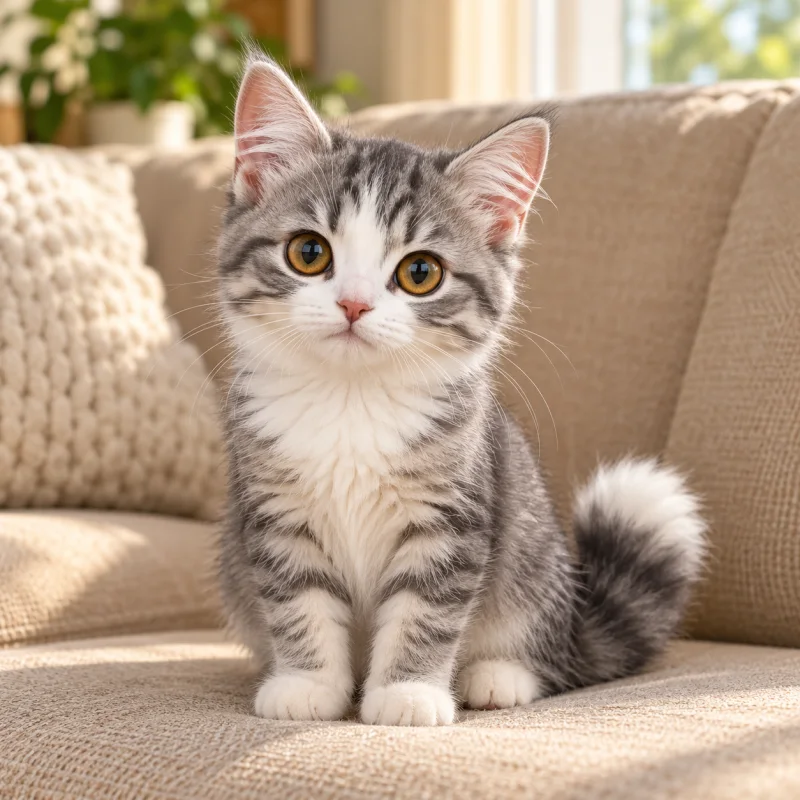
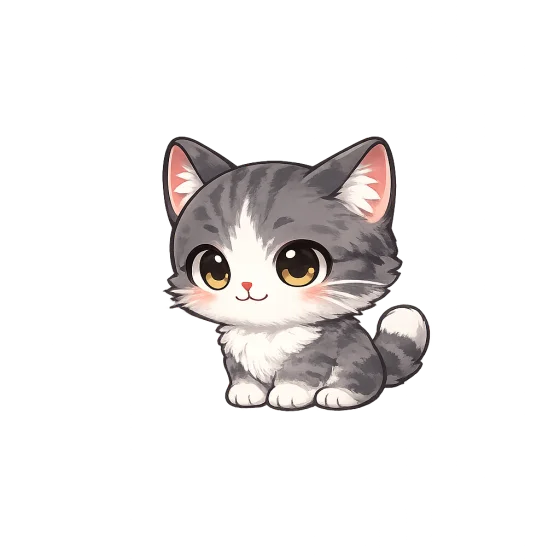


How do you turn a pet photo into an animated stream mascot?
Upload 1 to 5 clear photos of your pet in StreamRio, pick an art style, approve the transparent character image, and generate 5- to 15-second looping Reaction clips (Idle, Heart, Clap, Dance). Then paste 1 private 4:5 Overlay URL (720 × 900) into OBS, Streamlabs, or TikTok LIVE Studio.
1. Upload 1–5 clear photos of your pet
Start in My Characters, upload reference photos of your cat, dog, or companion, and add a short description of its markings or favorite accessory.
2. Pick a style and confirm the transparent look first
Compare Cute 3D, Chibi, Anime, Cartoon, Cyberpunk, or Fantasy looks. You approve the finished transparent character image before spending any credits on animation.
3. Generate the exact Reactions you need (5–15 seconds)
Start with Idle plus 2–3 high-impact Reactions such as Heart, Clap, Cheer, or Dance—or write a custom gesture prompt. Every video starts and ends on your approved pose for clean loops.
4. Preview in your scene, then map Twitch or TikTok LIVE events
Test your pet in Overlay Preview and add your 4:5 Browser Source URL (720 × 900) to OBS, Streamlabs, or TikTok LIVE Studio. No face tracking or Live2D rig required.
What makes a pet photo convert cleanly into a stream mascot?
You do not need studio photography—a bright phone snapshot works great as long as your pet's face and markings are clear.
| Photo factor | Best input | Avoid |
|---|---|---|
| Face & markings visibility | Front or 3/4 view showing eyes, ears, fur pattern, and collar | Blurry action shots, cropped ears, or dark shadows over the face |
| Lighting & color accuracy | Even daylight or bright indoor light so fur tones read cleanly | Heavy neon tint or strong backlight that washes out colors |
| Subject count | 1 clear pet centered in the frame (you can upload up to 5 angles) | Crowded group photos with multiple pets or hands covering the pet |
| Distinctive props or traits | Include a favorite bow, scarf, bandana, or ear shape in your prompt | Overloading the prompt with 10 tiny accessories that blur at corner size |
| Supported file formats | HEIC, HEIF, PNG, JPG, or WebP—large phone photos resize automatically | Tiny low-res thumbnails or heavily compressed screenshots |
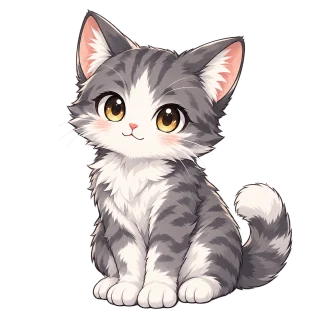
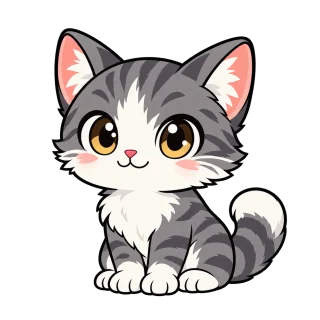
Compare 4 popular styles on cats and dogs
Keep your pet's markings and personality while matching your overlay aesthetic—from soft 3D plush to crisp anime or bold cartoon outlines that read clearly in a small corner.
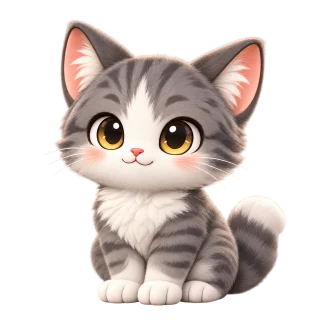
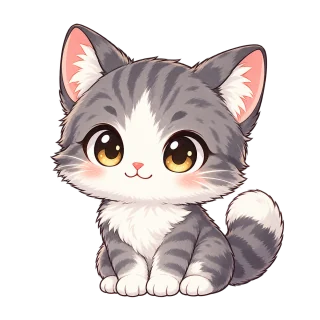


Test how a photo-based pet reacts inside a live stream
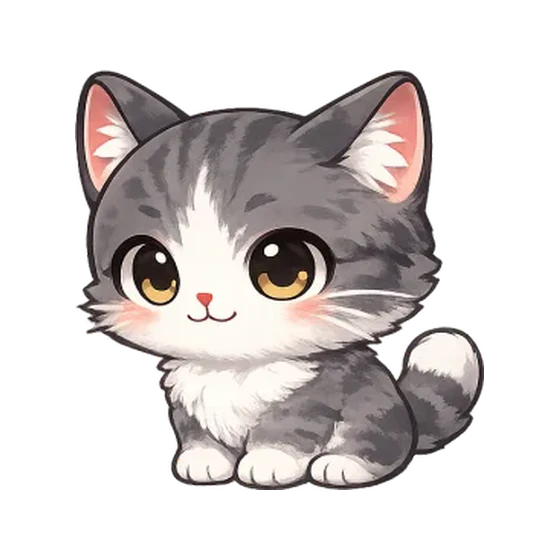
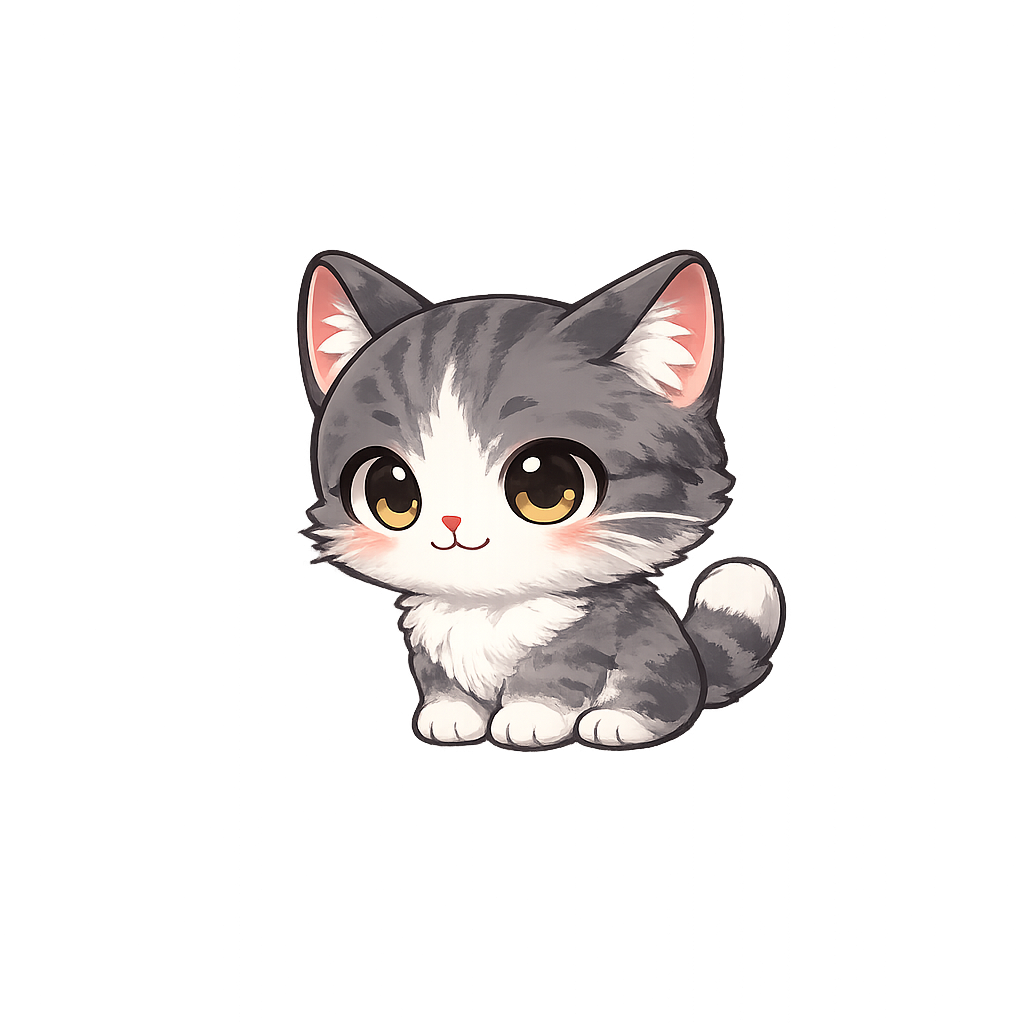
Select the Pet idea (or Sketch / Portrait) below and trigger a follow, subscription, Bits Cheer, or TikTok LIVE gift to see your future sidekick in action.Turn a pet, selfie, sketch, or favorite thing into a character that reacts on stream.
What would you bring to life?
Let your pet greet the chat


Choose a viewer event to preview an animation.
Dress your pet for Halloween, Christmas, and stream milestones
Once your community knows your pet, seasonal outfits become a built-in event—great for October horror nights, December holiday streams, or Channel Points unlocks.
Everyday channel look
Signature Idle & Reactions
Your baseline transparent character pose used across everyday streams.
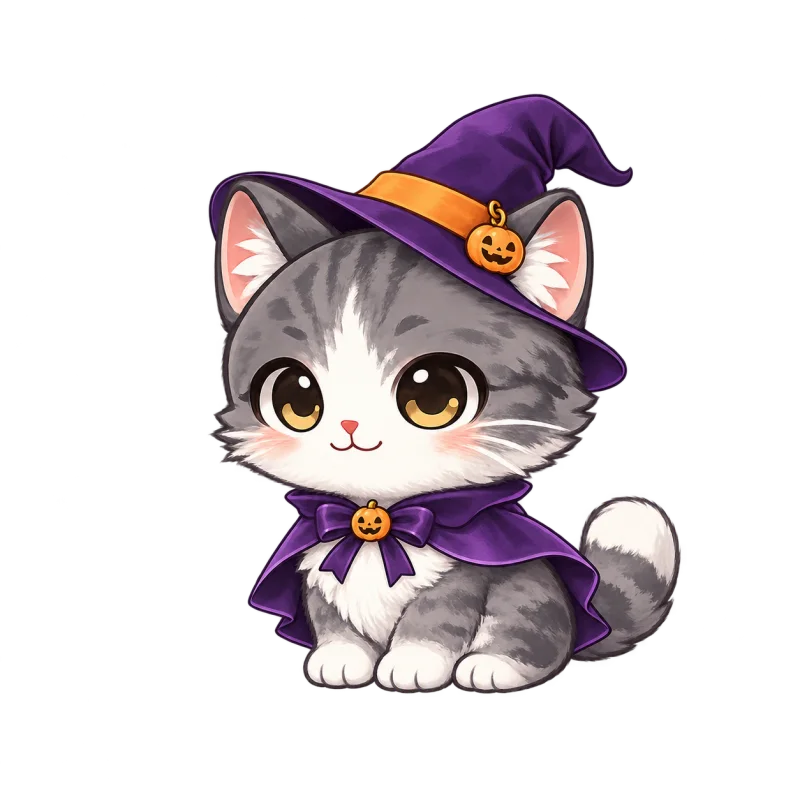
October · Spooky streams
Halloween Seasonal Look
Create a separate festive look so its Reactions stay visually consistent.

December · Holiday events
Christmas Seasonal Look
Pair with holiday subathons, charity goals, or Channel Points redemptions.
Ready to bring your pet onto your stream?
Upload a photo, approve the look first, and test Reactions in Overlay Preview before going live with Ultra.
Pet-to-mascot questions answered
How do I turn my real cat or dog photo into an OBS stream pet?
Upload 1 to 5 photos of your pet in StreamRio, choose an illustration style such as Cute 3D, Chibi, Anime, or Cartoon, approve the generated transparent mascot image, and generate looping Reaction videos (such as Idle, Heart, Clap, and Dance). Paste the resulting 4:5 Overlay URL into OBS as a Browser Source.
Do I need to hire a Live2D rigger or install an OBS plugin?
No. StreamRio handles background transparency and animation playback in the browser. You simply copy 1 private Browser Source URL into OBS Studio, Streamlabs, or TikTok LIVE Studio.
How many Reactions should I generate first for a custom pet mascot?
Start small with 3 to 4 clips: 1 Idle pose/loop, 1 warm thank-you (Heart or Clap for follows, likes, or Roses), and 1 bigger celebration (Dance or Cheer for subs, 100+ Bits, raids, or Galaxy gifts). You can add more Reactions anytime.
Can I preview my generated pet before paying for live event access?
Yes. Generating custom character images and Reactions uses generation credits, and you can inspect every finished clip and run Test Reactions in Overlay Preview before upgrading. Using a custom character to react to real live Twitch or TikTok LIVE events requires StreamRio Ultra.
Can I give my real pet seasonal outfits for Halloween or Christmas?
Yes. Create a separate seasonal look from your character so your Halloween, Christmas, or anniversary outfits keep their own consistent transparent Reactions without overwriting your everyday mascot.
Are my custom pet photos and characters kept private?
Yes. Custom characters live in your own StreamRio account rather than the public character library, and your live Overlay URL uses a private token you can regenerate anytime.
Related character & overlay guides
Custom stream character overview
Full guide to credits, PNGTuber/VTuber comparison, and Ultra live access.
Cat stream overlay guide
Cat-focused walkthrough with sample reactions and calming dance prompts.
Christmas pet overlay
See a festive holiday pet look and how to set up seasonal reactions.
How to stream without a webcam
Compare 5 faceless setups using a pet mascot instead of a camera.
Last updated: