
How to Stop Viewers From Scrolling Past Your TikTok LIVE
In the TikTok LIVE feed, you have roughly 3 seconds to prove your stream is alive and interactive. Use this visual-hook audit, 9:16 safe-zone layout, and live reaction preview to hold attention longer.
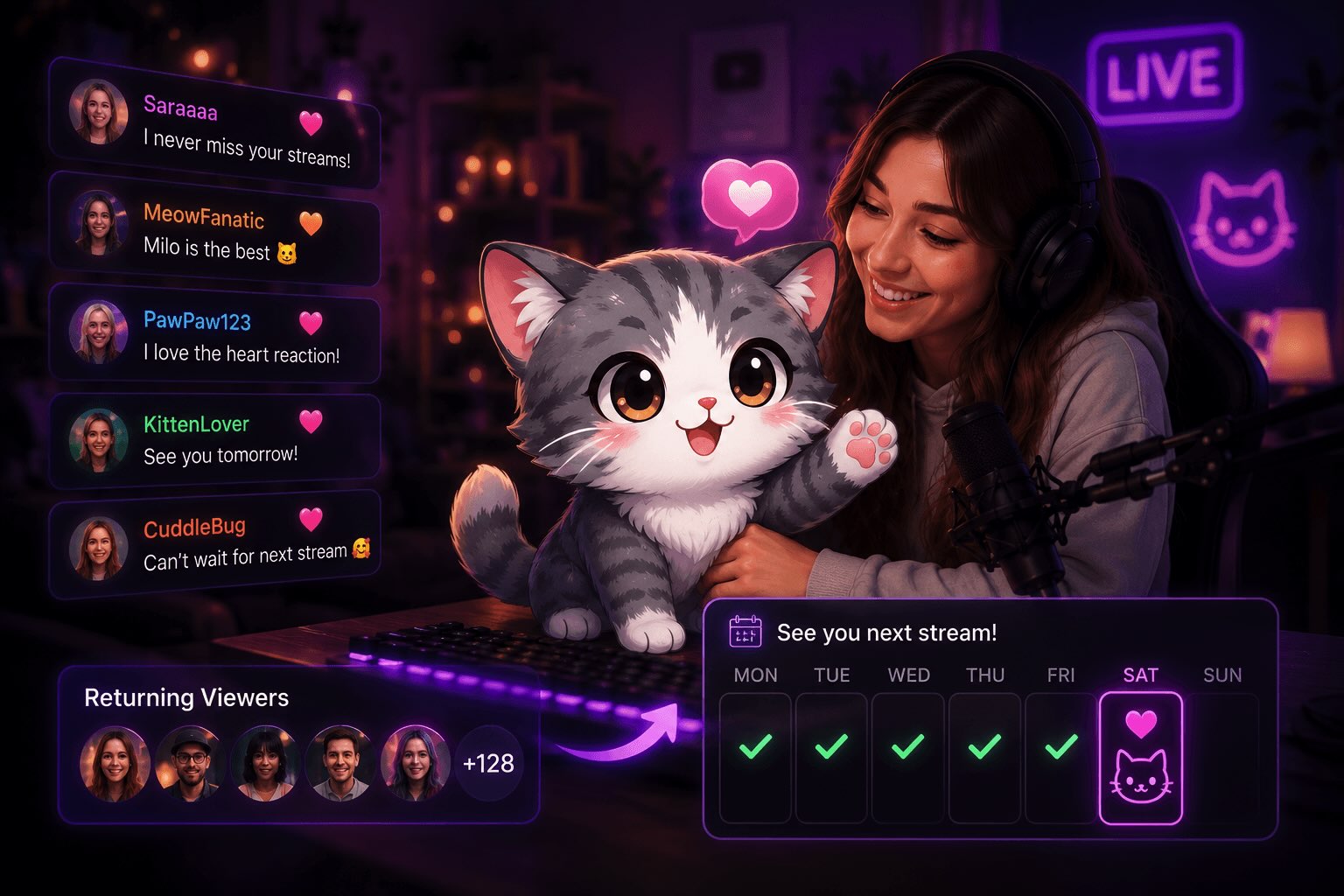
Why do viewers scroll past a TikTok LIVE in the first 3 seconds?
Viewers scroll past a TikTok LIVE within 3 seconds when the frame looks static, the host stays silent waiting for chat, or free interactions produce no visible change. Combining steady voice energy with a clean 9:16 layout and an animated sidekick that reacts to joins, likes, follows, and gifts creates an immediate visual reason to stop scrolling.
6 reasons TikTok LIVE viewers swipe away—and how to fix each one
Audit your last replay against these 6 common drop-off triggers before your next broadcast.
| Drop-off trigger | What the scroller perceives | Practical fix |
|---|---|---|
| Silent pauses while waiting for chat | Viewers assume the LIVE is AFK and swipe away within 2–3 seconds | Narrate what you are doing continuously and keep an animated idle character moving gently in the frame |
| Static screen with no focal point | Looks indistinguishable from hundreds of other mobile or gaming feeds | Add 1 transparent animated mascot or custom pet beside your camera/gameplay so the feed preview has immediate personality |
| Overlay hidden behind TikTok's chat & gift bar | The bottom ~32% of a 9:16 phone screen is covered by comments, likes, and gift buttons | Place your 4:5 character source in the upper-middle or right/left safe zone above the chat drawer |
| No visible feedback for free interactions | Newcomers tap likes, follow, or join—see nothing change—and leave | Map follows, joins, shares, and like milestones to quick Clap or Heart reactions so free viewers feel noticed |
| Cluttered borders and giant text banners | Crowds out gameplay or your face on a 6-inch phone screen | Keep the canvas minimal: 1 clean camera/game feed + 1 compact transparent character layer |
| Identical alert for every event | Room energy feels flat whether someone taps a follow or sends a Galaxy | Escalate animation energy across Idle → Clap/Heart (free & small gifts) → Dance/Surprise (premium gifts) |
See how an animated sidekick turns passive viewers into active ones
Click a TikTok LIVE follow, like, Rose, or Galaxy event below. Notice how instant character motion makes the scene feel alive even between big moments.Click a TikTok LIVE follow, like, Rose, or Galaxy event below. Notice how instant character motion makes the scene feel alive even between big moments.
What would you bring to life?
Let your pet greet the chat
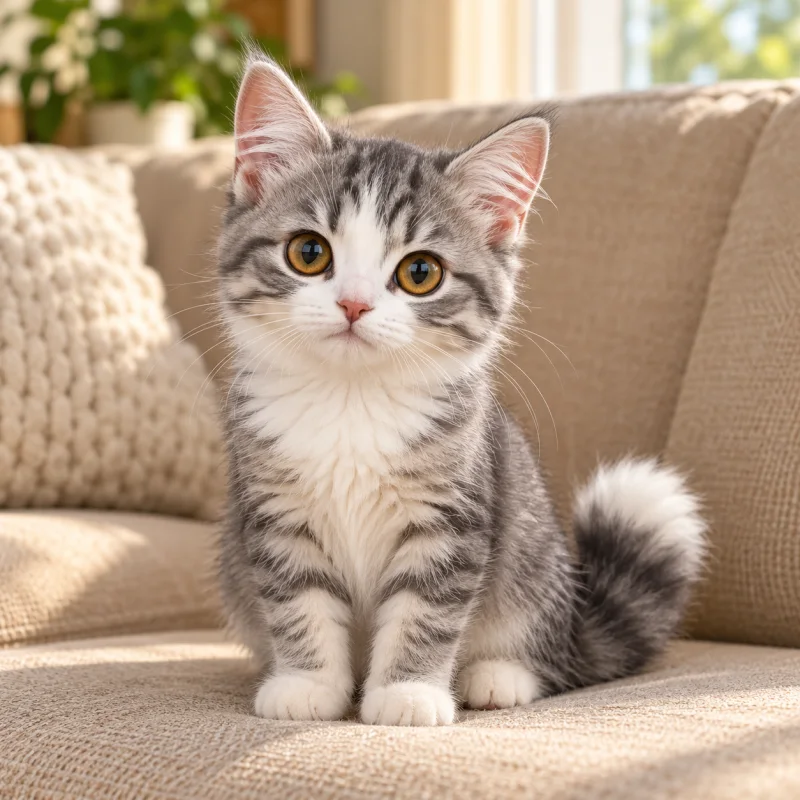



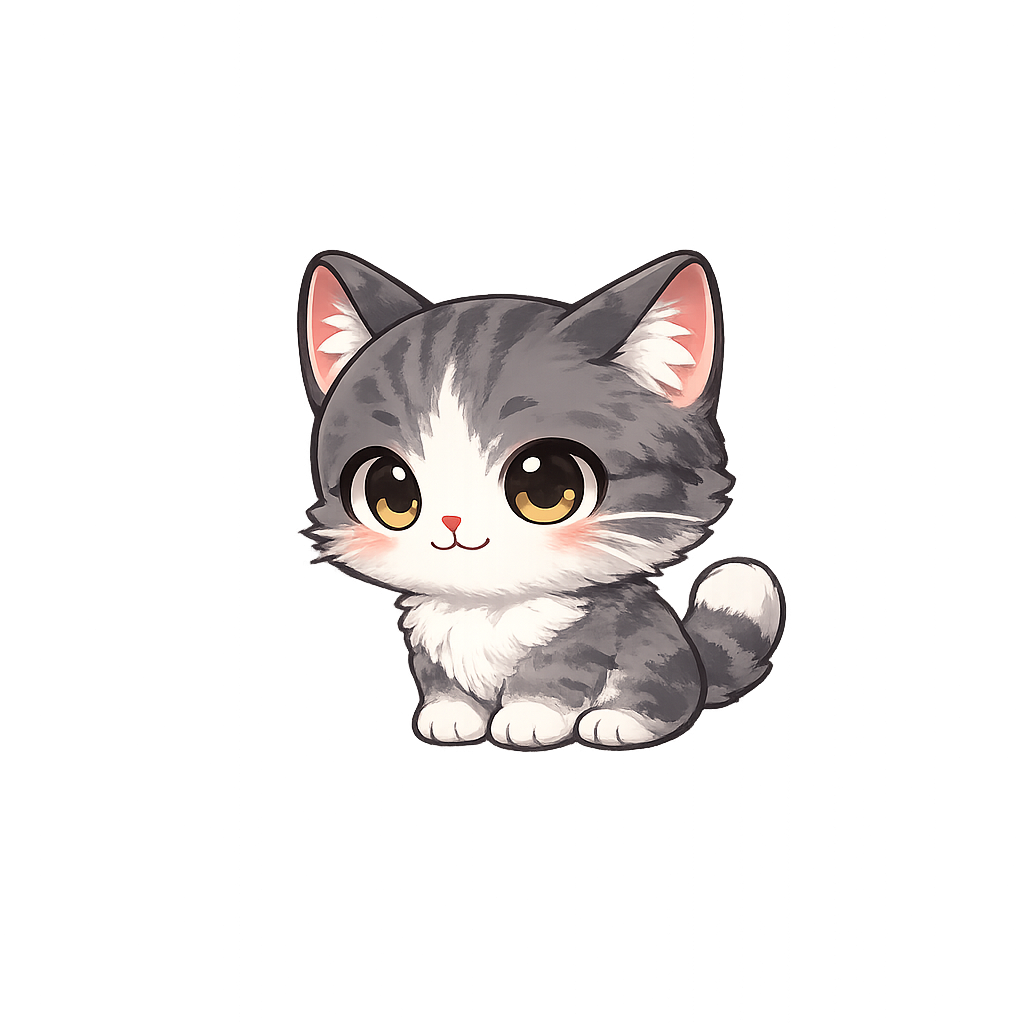
Choose a viewer event to preview an animation.
From 3-second scroll stop to 5-minute viewer retention
Retention compounds across three moments: catching the eye in the feed, rewarding the viewer's first free tap, and turning community milestones into a shared show.

0–3 seconds · Feed scroll
Warm Idle Motion
Gentle looping movement plus a friendly welcome Clap when someone follows or joins tells scrollers the room is live and responsive.

5–30 seconds · First tap
Instant Like & Rose Payoff
When a viewer taps likes or sends a 1-coin Rose, a fast Heart animation proves you and your scene react in real time.

1–5 minutes · Room momentum
Visible Milestone Celebrations
Bigger Dance and Surprise celebrations for Galaxy or gift streaks spark chat replies and keep bystanders watching longer.
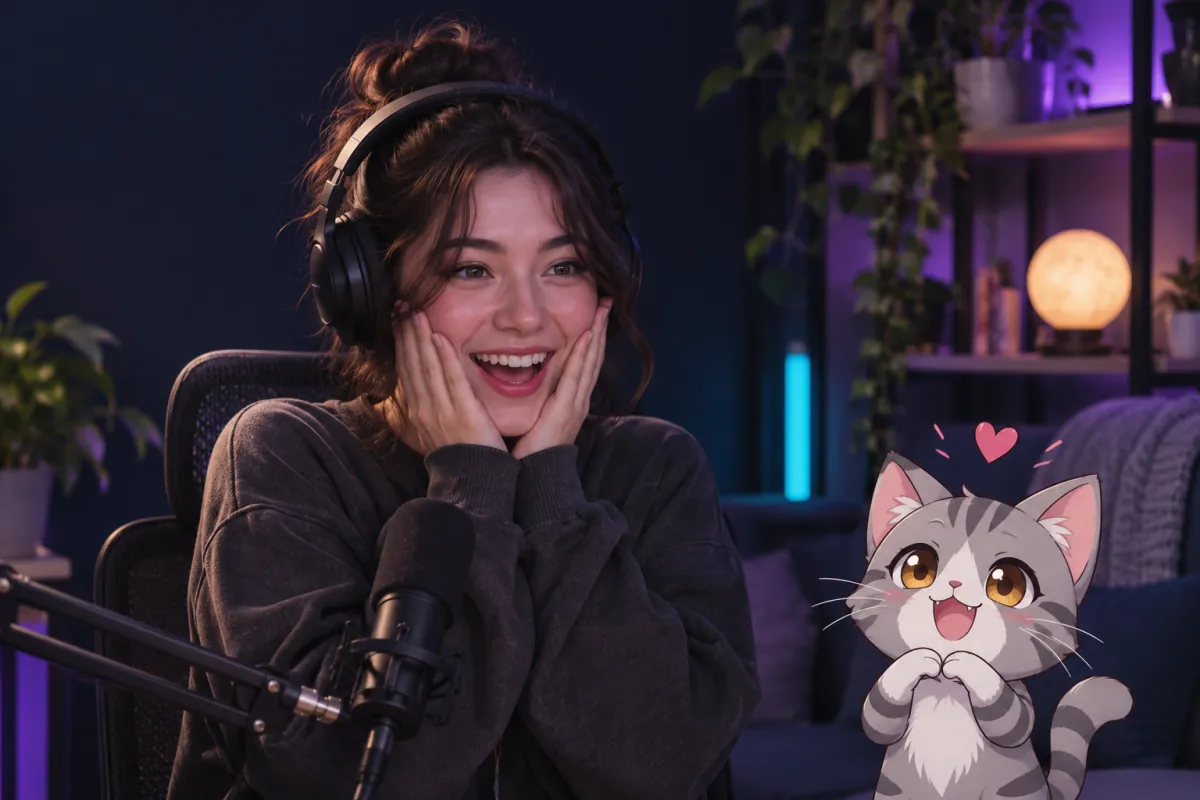
Place your visual hook inside TikTok's mobile safe zone
Keep the bottom 30–35% of your 9:16 frame clear
TikTok's mobile interface overlays the comment stream, like counter, and gift drawer across the lower third. Putting your mascot or alerts there makes them invisible to mobile viewers.
Avoid the top-left profile pill and top-right viewer badge
Leave roughly 12% breathing room at the top edge so your character's head and speech bubble never collide with TikTok's native host header.
Use a 4:5 Link/Browser Source (720 × 900) scaled to ~20–25% width
Keep the source properties at 720 × 900 in TikTok LIVE Studio or OBS so the mascot and speech bubble never clip, then drag a corner handle to scale it cleanly into the mid-side safe zone.
Test on a second phone before going live
Run Test Reactions in the StreamRio Dashboard and preview your vertical canvas so you can confirm the character, speech text, and transparent edges read clearly on a real phone screen.
TikTok LIVE retention questions answered
Why do viewers scroll past my TikTok LIVE so fast?
Most TikTok LIVE viewers decide within 3 seconds of seeing your stream in the feed. Long silent pauses, static screens with no clear focal point, or overlays blocked by TikTok's mobile UI cause viewers to swipe away before they ever hear what your stream is about.
What visual hooks work best to stop the scroll on TikTok LIVE?
Immediate movement and clear cause-and-effect work best: an active host voice, clean lighting or gameplay framing, and a persistent animated sidekick that reacts visually when viewers follow, like, share, or send gifts.
Where should I place an animated pet overlay on a vertical 9:16 TikTok LIVE screen?
Place the overlay in the middle-left or middle-right safe zone—above the bottom 32% where TikTok's chat and gift buttons sit, and below the top 12% host header. Use a 4:5 Browser Source or Link source (720 × 900) and resize cleanly from a corner.
Can free viewer actions like likes and follows trigger reactions?
Yes. StreamRio supports TikTok LIVE event rules for follows, likes, shares, chat, viewer joins, and gifts, so free viewers get immediate visual feedback that encourages them to stay longer.
Does a StreamRio overlay work in TikTok LIVE Studio without OBS?
Yes. Paste your private StreamRio overlay URL directly into TikTok LIVE Studio as a Link source—no OBS or third-party plugin required. It also works as a Browser Source in OBS Studio, Streamlabs, and PRISM Live Studio.
Can I preview the TikTok LIVE overlay before upgrading?
Yes. Preview Access is $0 and lets you pick a public character, configure TikTok LIVE rules, and trigger manual Test Reactions in your scene. Live viewer-triggered events require Pro for public characters or Ultra for custom characters.
Continue optimizing your TikTok LIVE setup
How to get more TikTok LIVE gifts
4-tier visual reaction blueprint for Rose, Cap, Galaxy, and Lion gifts.
TikTok LIVE overlay hub
Connect gifts, follows, likes, shares, chat, and viewer joins.
Add overlay to TikTok LIVE Studio
Step-by-step screenshot guide for adding a transparent Link source.
OBS Browser Source size calculator
Calculate clean 4:5 dimensions (720 × 900 or 800 × 1000) with no clipping.
Last updated: